
Slateo VenueOps · Hall bookings
Banquet hall booking software
Every event on one record, with the money attached, and a hall that can never be booked twice.
Free for up to 3 users.
What is banquet hall booking software?
Last updated:
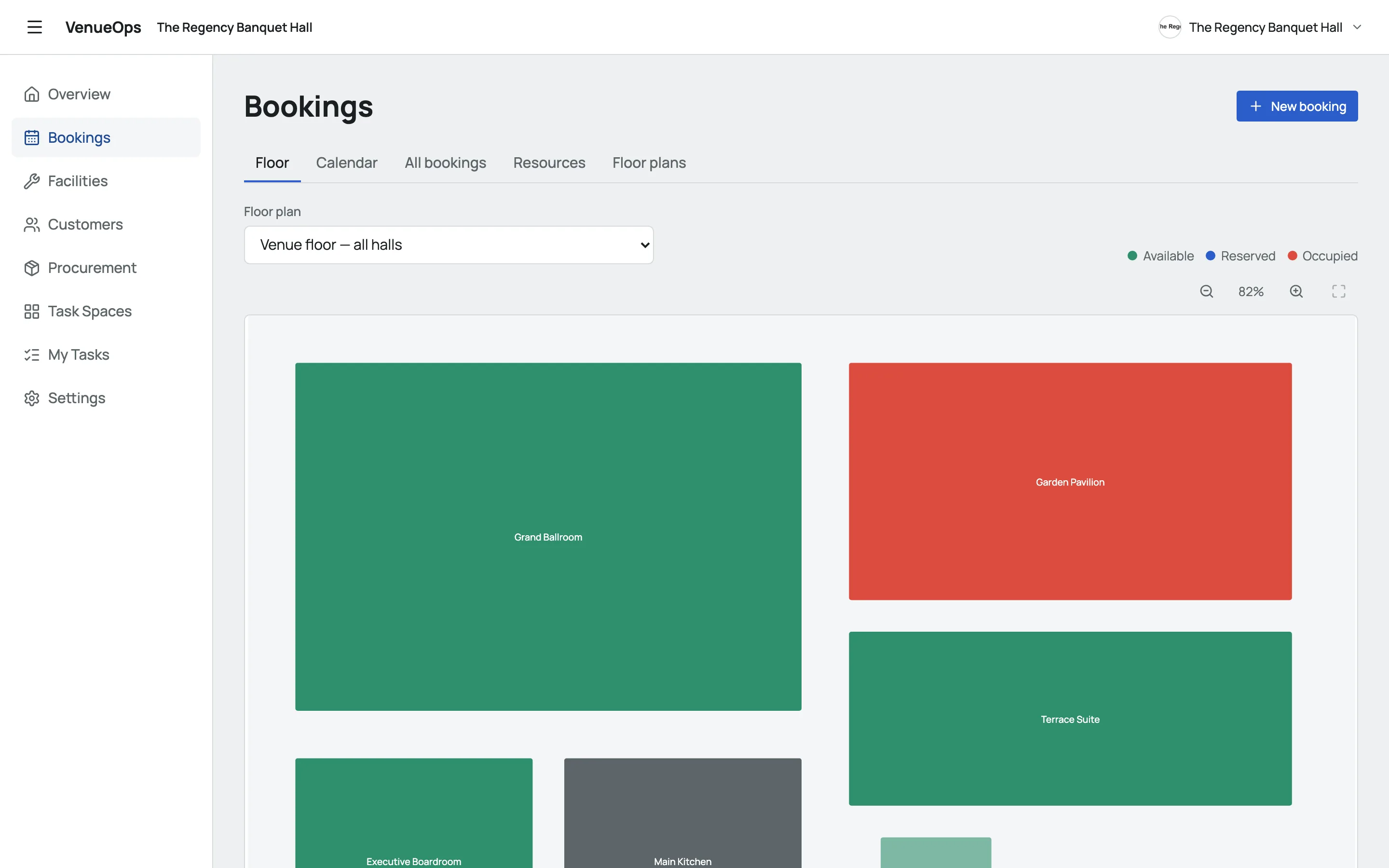
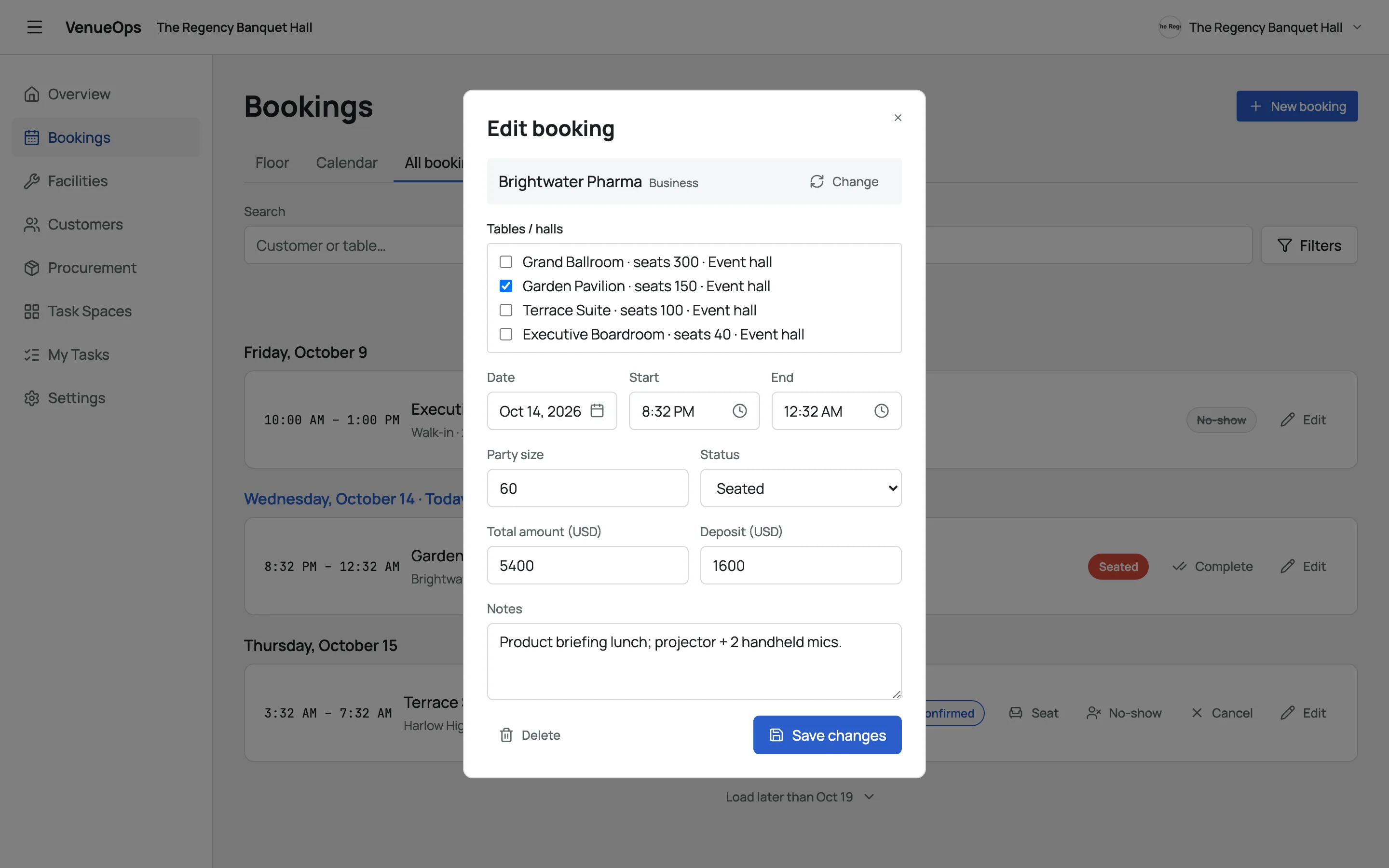
Banquet hall booking software keeps a venue's events in one place: which hall, when, for how many guests and for how much. In Slateo VenueOps, each booking holds the hall, date, times, party size, total amount and deposit, the floor shows which halls are in use right now, and a hall can't be booked twice for the same time.
How it works
From the booking to a hall that's ready again
- 1 · Booking
Hall booked
Hall, date, times, party size, amount and deposit on one record.
- 2 · Confirmed
Amount and deposit
The booking holds the agreed amount and the deposit, for the whole team to see.
- 3 · Event day
Guests seated
The floor shows the hall as occupied while the event runs.
- 4 · After
Clean-up checklist
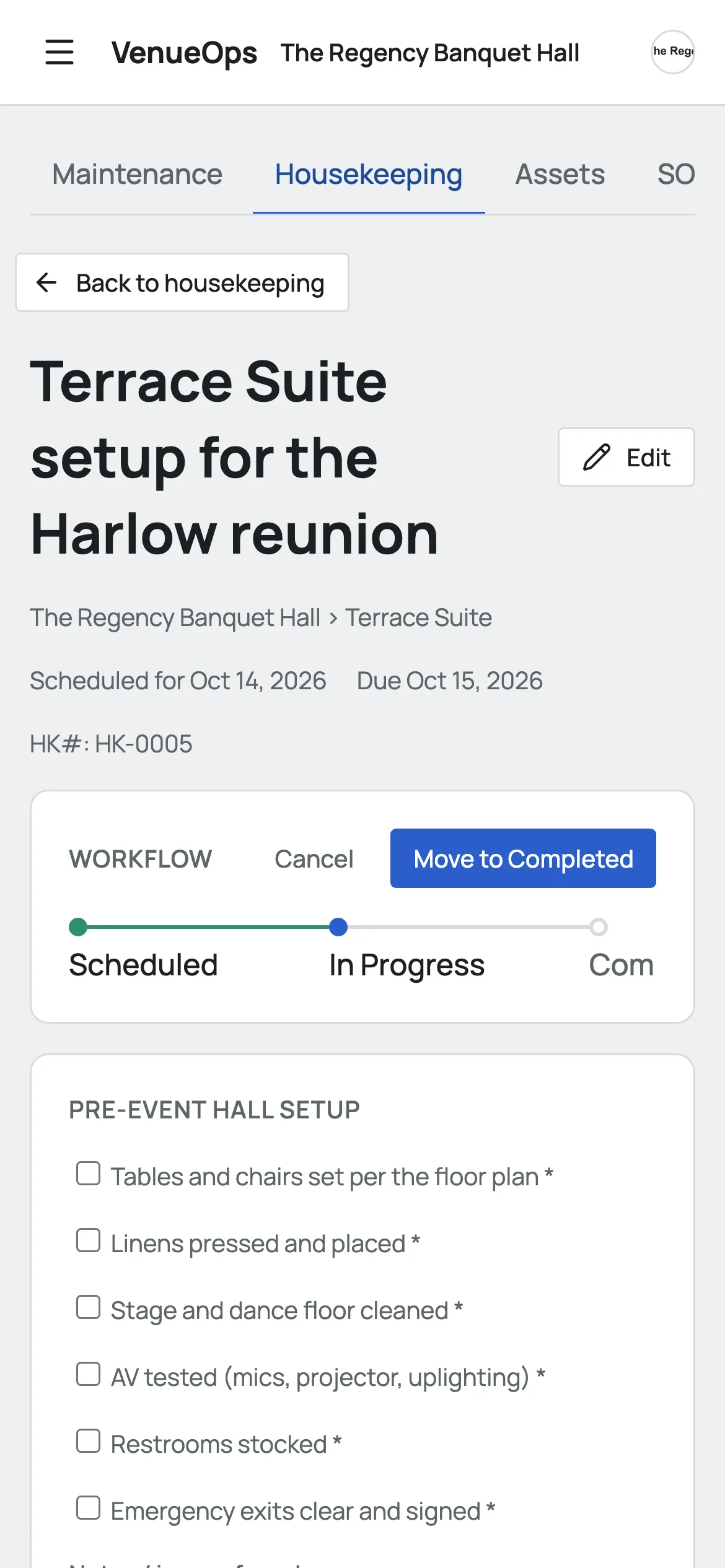
Housekeeping works through the hall's checklist on a phone.
- 5 · If needed
Repair logged
Anything broken becomes a maintenance request with a severity.
Two bookings can't overlap on the same hall, so nothing gets double-booked.
Every event, with the money attached
Pick one or more halls, the date and the times, add the party size and the client, and record the total amount and the deposit.
A plan for every layout
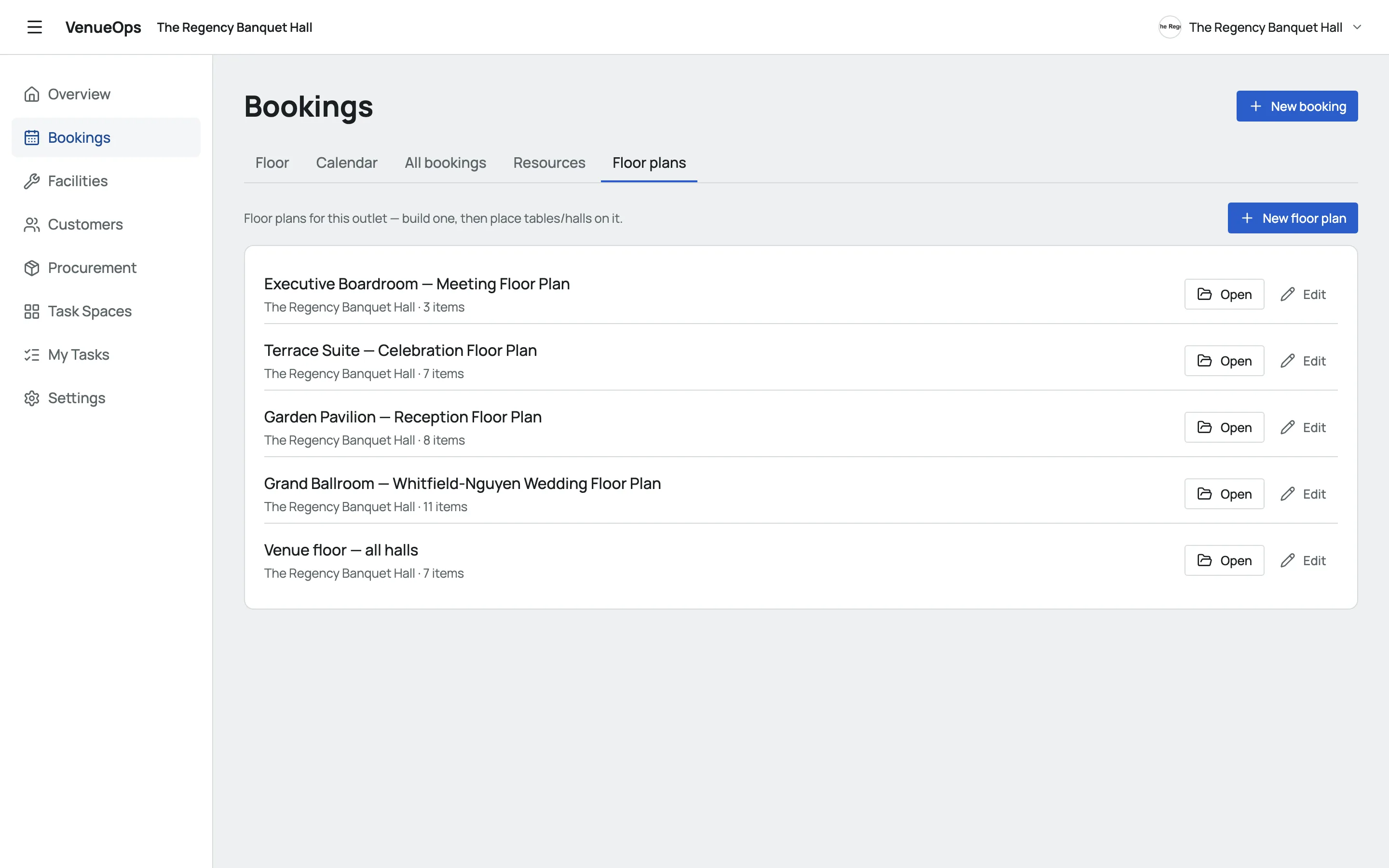
Draw each hall with its stage, bar, tables and doors, and keep several plans for the same space, like a wedding layout and a meeting layout.
Clients and the venue in one place
Every client has a record with their bookings, so repeat events start from what you already know. Supplies and maintenance run next to it.
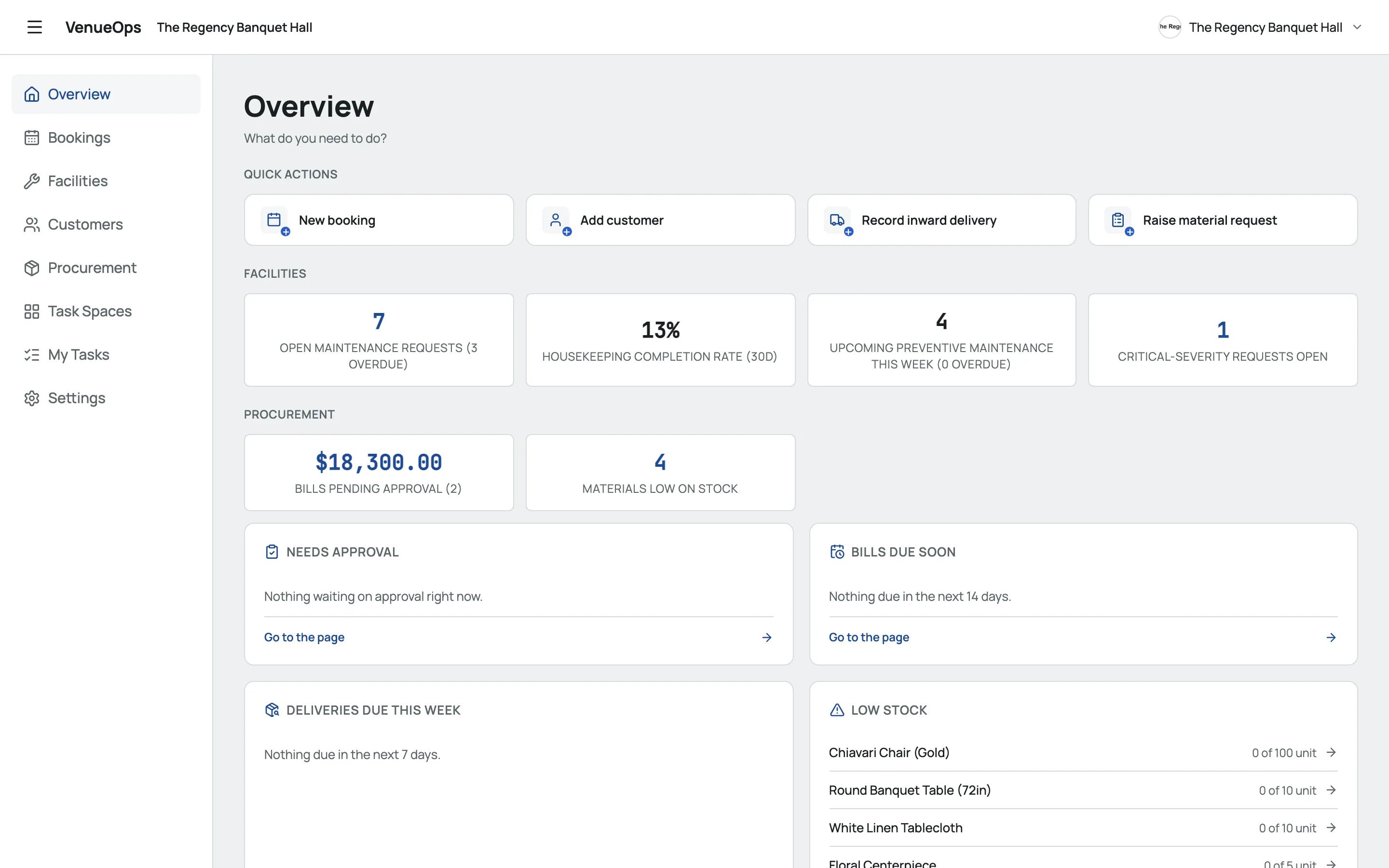
Also included
- No double-bookingA booking that overlaps another on the same hall won't save.
- Live floorEach hall shows as available, reserved or occupied right now.
- StatusesPending, confirmed, seated, completed, cancelled or no-show.
- On any phoneInstall VenueOps from the browser for the team on the floor.
Pricing
Start free. Upgrade when your team grows.
Free
$0
For small teams getting started
- Up to 3 users
- 1,000 customers
- Bookings, facilities and procurement
Pro
$7.49 /user/mo
Billed per user
- Unlimited users
- 5,000 customers
- Automations
- Email and chat support
Enterprise
Custom
For venue groups
- Unlimited customers
- Onboarding and training
- A dedicated account manager
- Priority support
Questions
How are deposits tracked?
Each booking holds the total amount and the deposit, on the booking itself next to the hall, date and times.
Can a hall be double-booked?
No. VenueOps won't save a booking that overlaps another booking for the same hall.
Can one event use several halls?
Yes. Pick as many halls as the event needs, and all of them are reserved for that time.
Can clients book online?
Not yet. Your team adds bookings in VenueOps.
Does VenueOps send invoices?
No. It tracks the amount and deposit on each booking, but doesn't issue invoices.