
Templates
Start with a workflow built for your team
Pick the template closest to how your team works, and your first project opens with workstreams and stages ready to use. Change anything once you're in.
Pick a template when you create your first project. Free for up to 3 users.
What is a Slateo template?
Last updated:
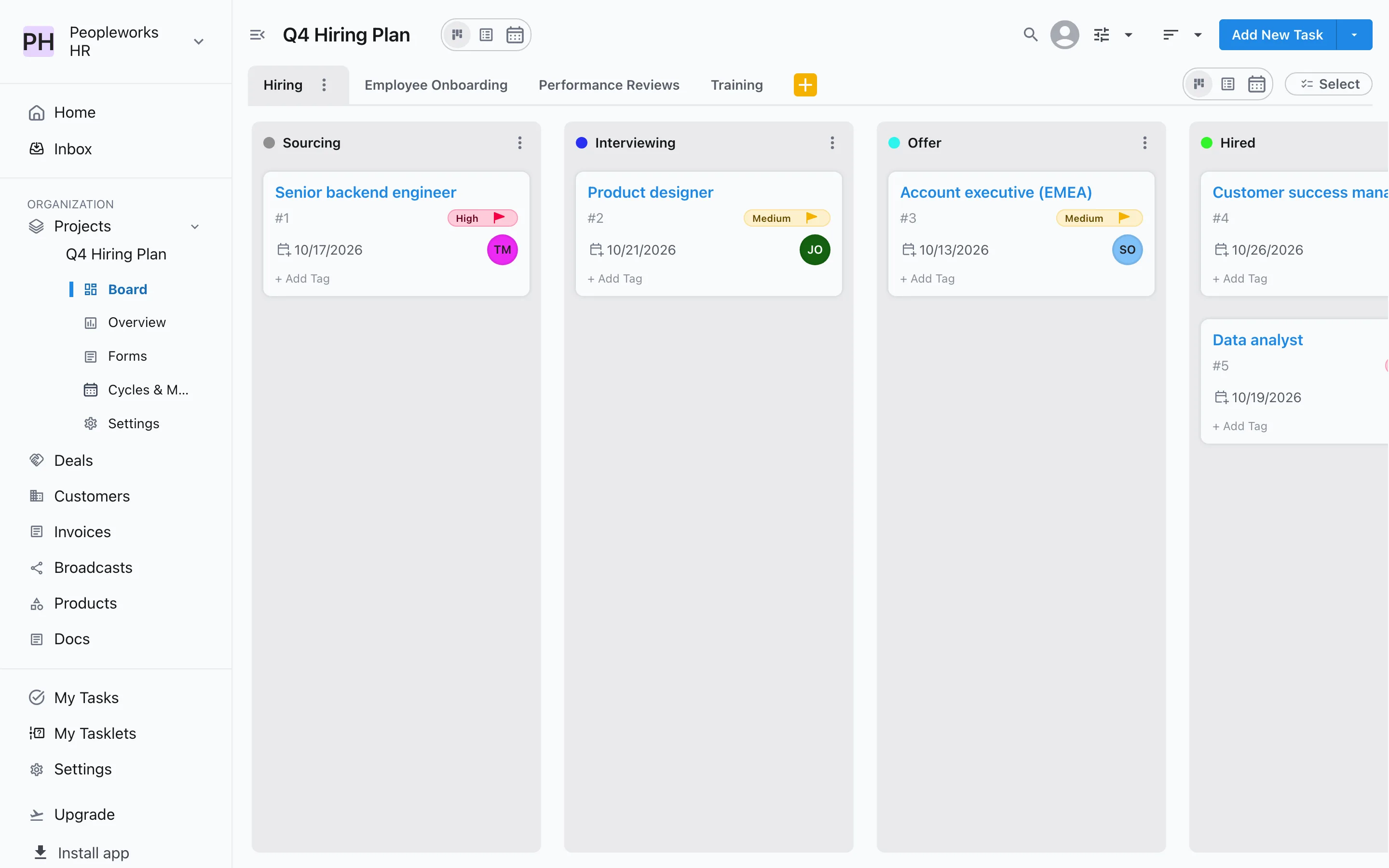
A template sets up a project for a kind of team. Each one creates several workstreams, such as Hiring and Employee Onboarding, and gives each workstream its own stages, like Sourcing, Interviewing, Offer and Hired. Every stage is an ordinary Slateo stage: rename it, add more, or require an approval before work enters it.
Product & Engineering
From idea to release
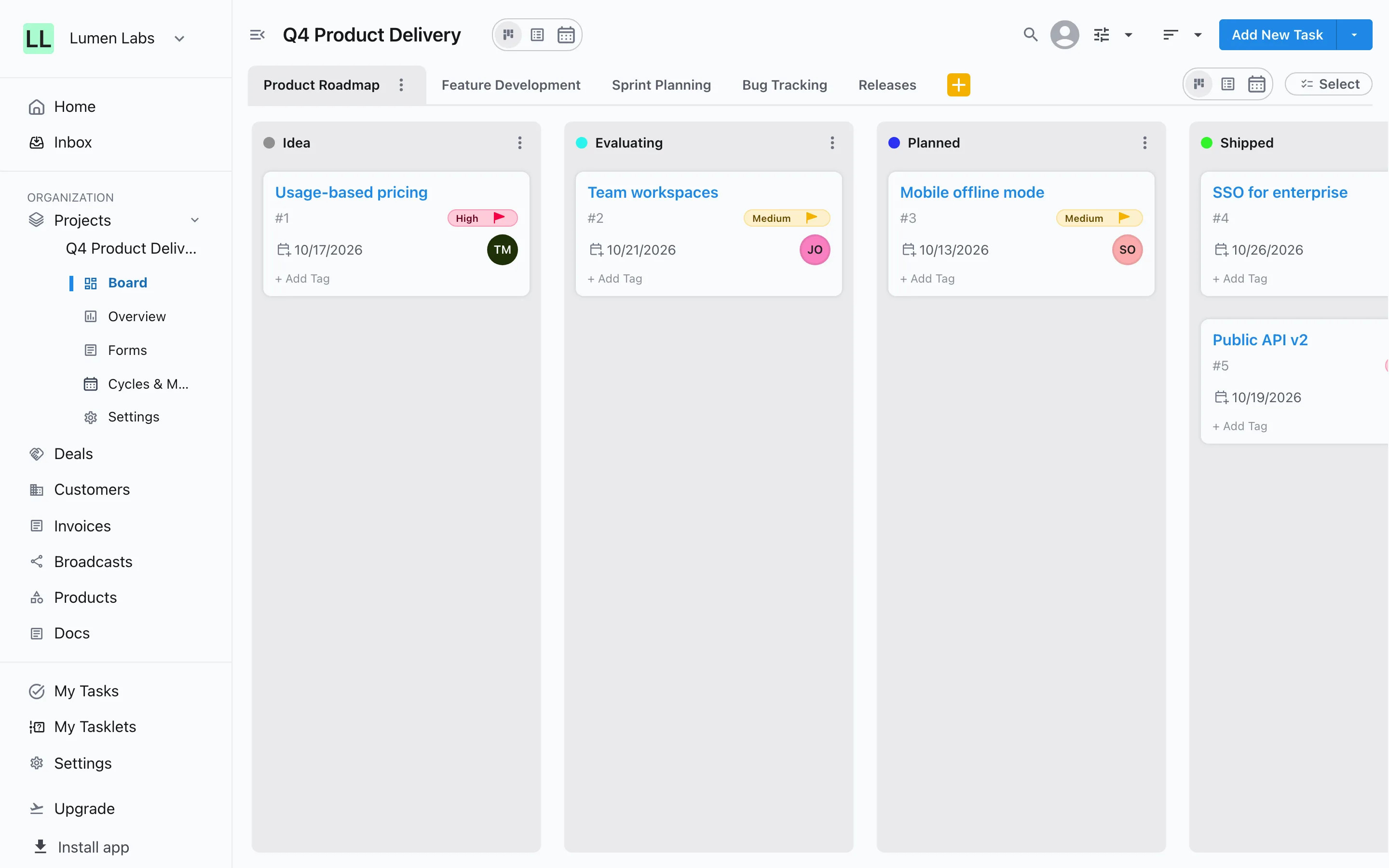
Track the roadmap from Idea to Shipped, build features through review, plan sprints, triage bugs and ship releases.
- Product Roadmap
- Feature Development
- Sprint Planning
- Bug Tracking
- Releases
Software Development Agency
Client work, delivered and billed
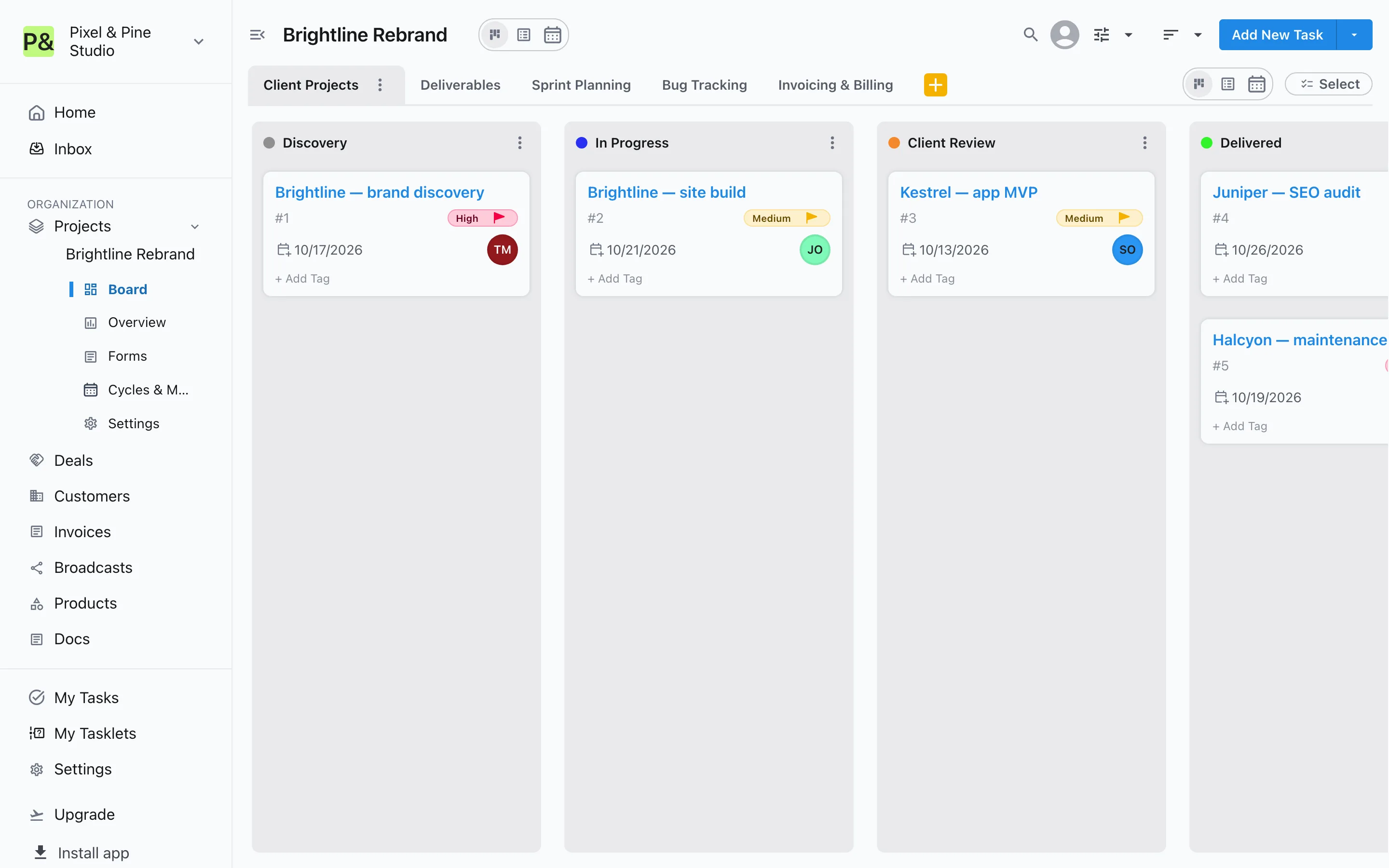
Run client projects through Client Review, check deliverables in Internal QA, plan sprints, fix bugs and track invoices from Draft to Paid.
- Client Projects
- Deliverables
- Sprint Planning
- Bug Tracking
- Invoicing & Billing
Marketing Team
Campaigns, content and social
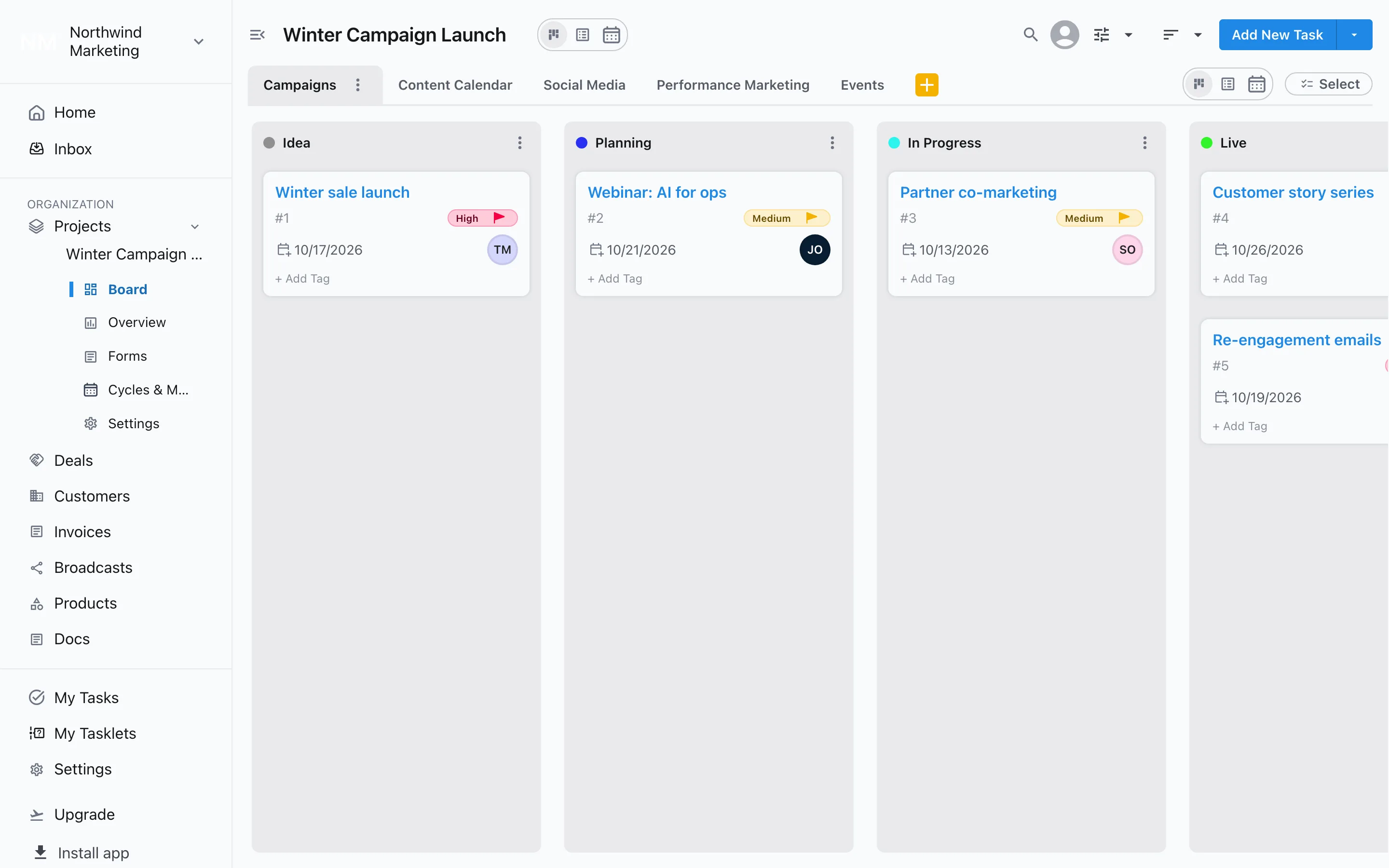
Plan campaigns until they go Live, take content from Drafting through Review to Published, and track social posts, paid campaigns and events.
- Campaigns
- Content Calendar
- Social Media
- Performance Marketing
- Events
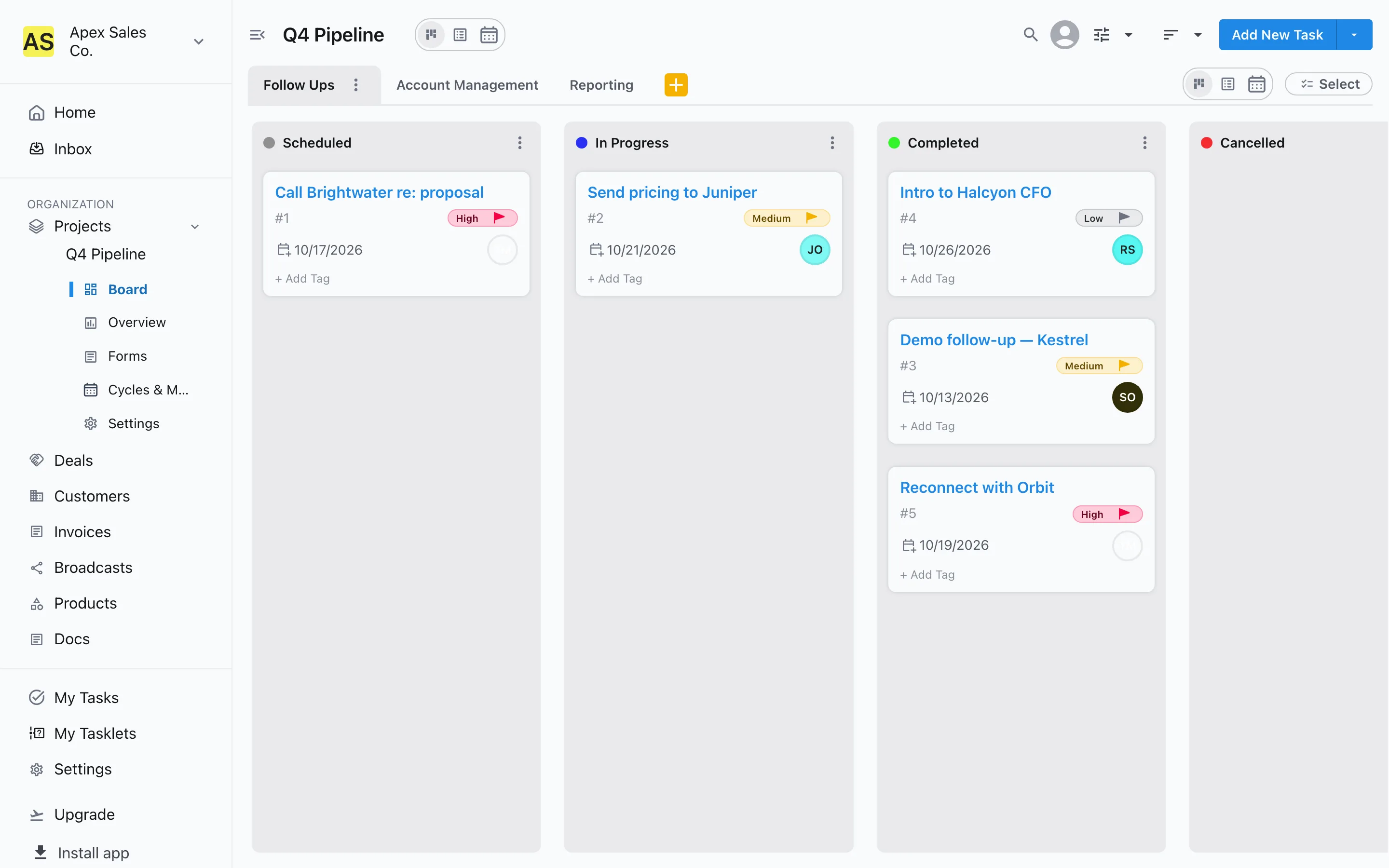
Sales Team
Follow-ups and accounts
Schedule and complete follow-ups, watch accounts from Onboarding to Renewed or At Risk, and deliver reports. Deals run in their own pipeline next to it.
- Follow Ups
- Account Management
- Reporting
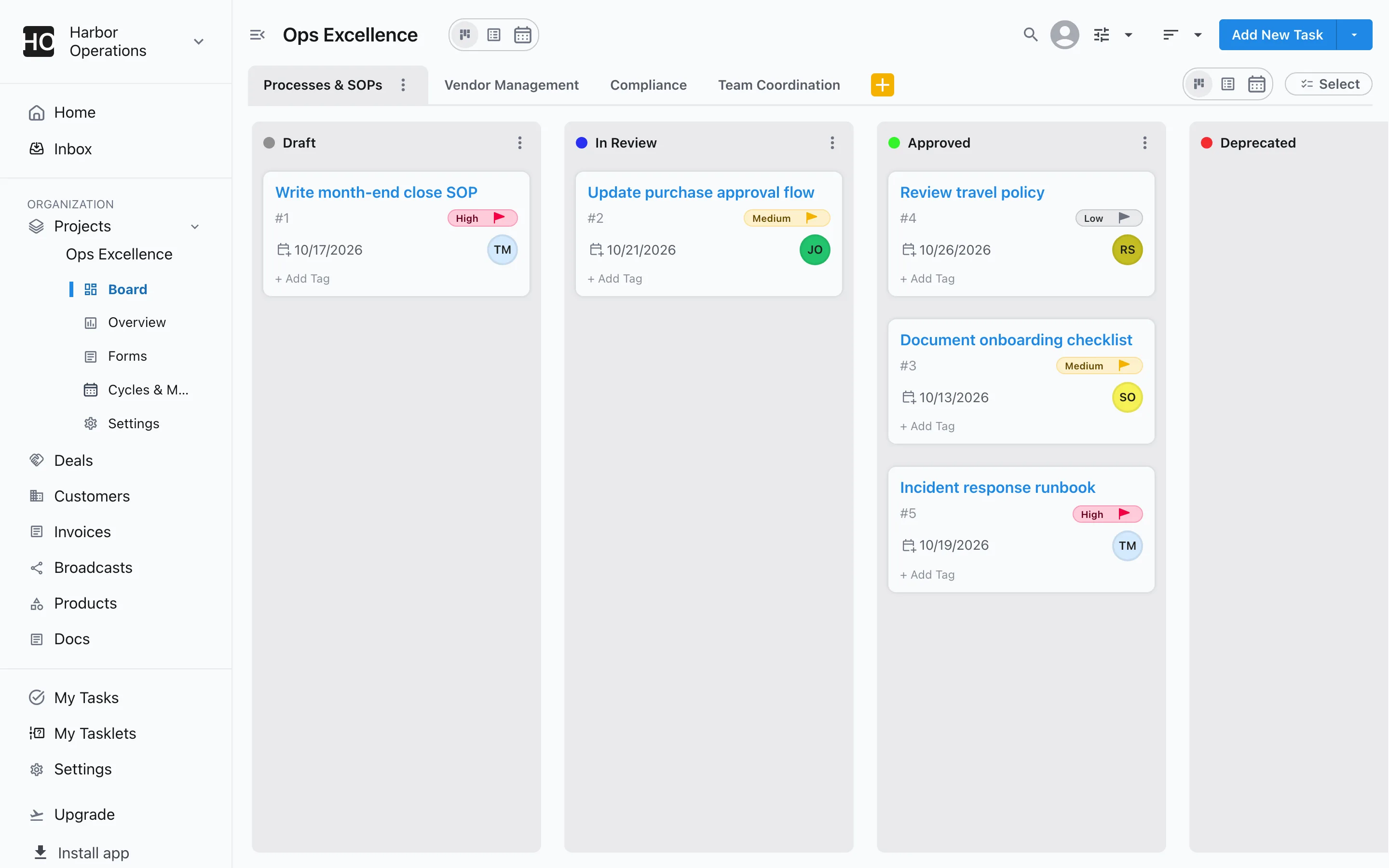
Operations Team
Processes, vendors and compliance
Get SOPs approved, take vendors from Sourcing to Active, keep compliance work moving through audit, and coordinate the team's day-to-day.
- Processes & SOPs
- Vendor Management
- Compliance
- Team Coordination
HR & Recruiting
Hiring, onboarding and reviews
Move open roles from Sourcing to Hired, give every new joiner an onboarding plan, and keep performance reviews and training on schedule.
- Hiring
- Employee Onboarding
- Performance Reviews
- Training
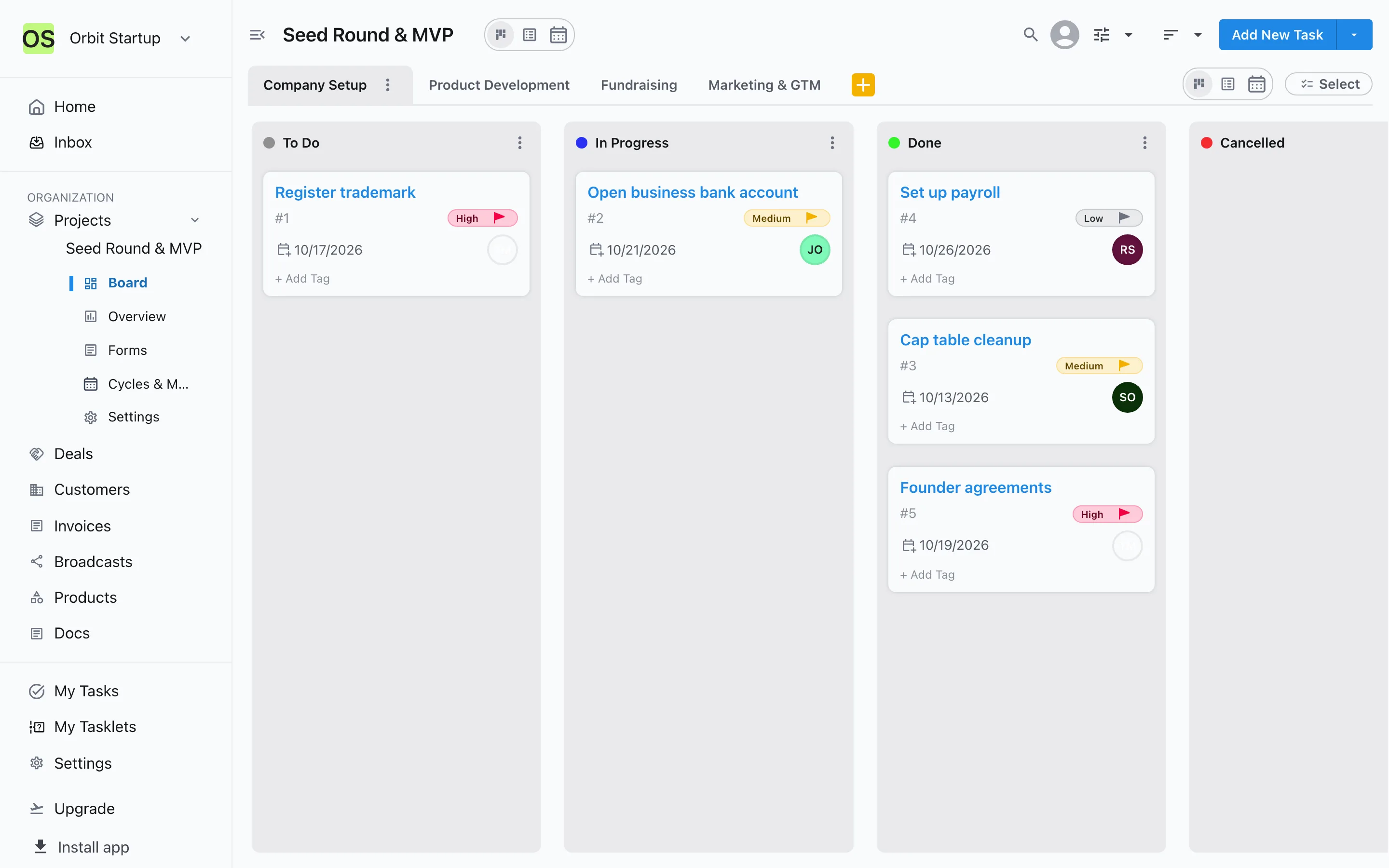
Founder / Startup Team
Everything a young company runs on
Tick off company setup, ship the product, track investors from Targeting to Closed, and launch your go-to-market work.
- Company Setup
- Product Development
- Fundraising
- Marketing & GTM
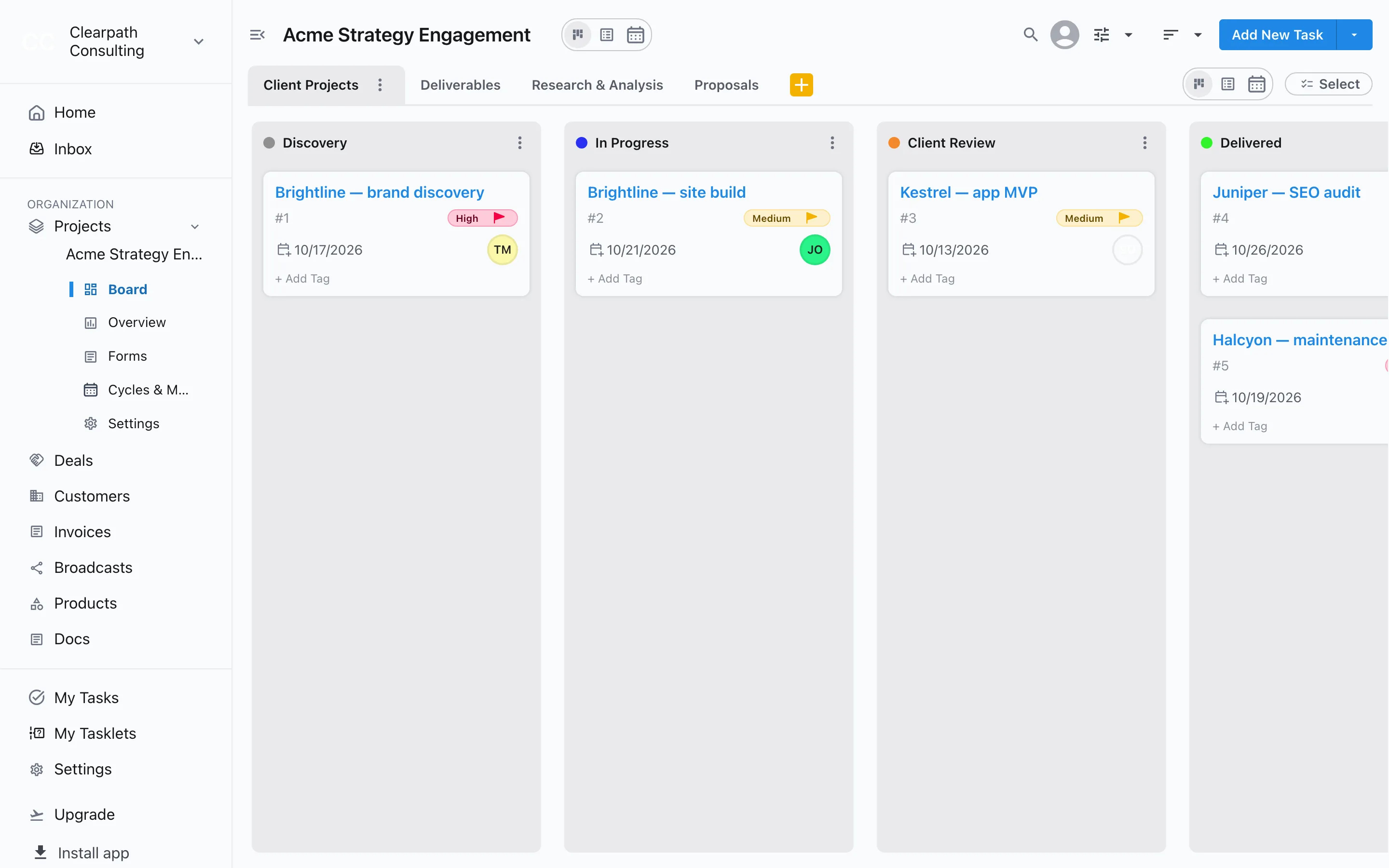
Consulting Firm
Proposals, research and deliverables
Track proposals until they're Won or Lost, run research and analysis, get deliverables through Internal QA, and deliver client projects.
- Client Projects
- Deliverables
- Research & Analysis
- Proposals
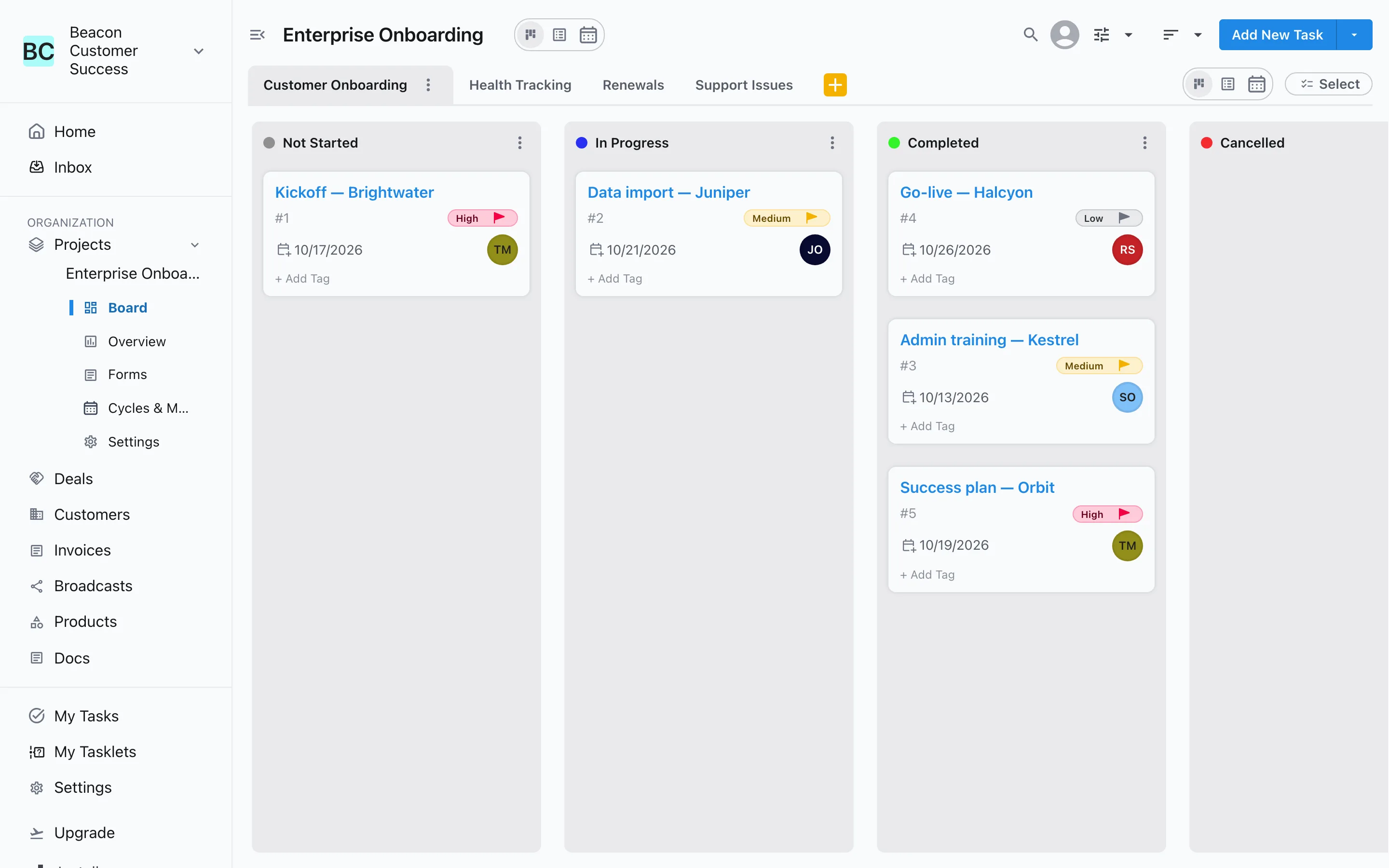
Customer Success
Onboarding, health and renewals
Onboard new customers, watch accounts At Risk, work renewals from Upcoming to Renewed, and resolve support issues.
- Customer Onboarding
- Health Tracking
- Renewals
- Support Issues
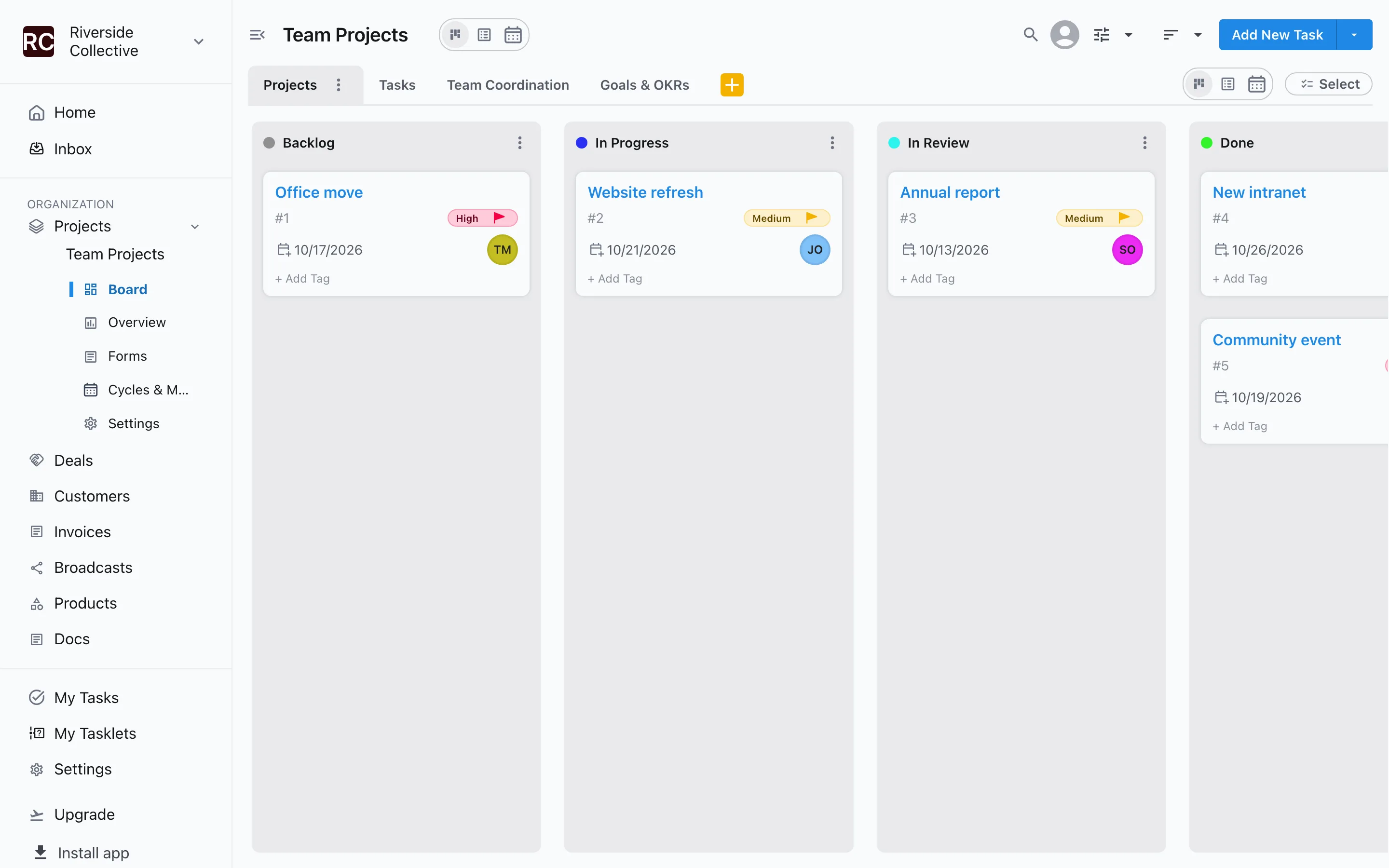
Other
A general start for any team
Projects with a review stage, simple tasks, team coordination, and goals that move from Planned to Achieved.
- Projects
- Tasks
- Team Coordination
- Goals & OKRs
Make it yours
Edit the stages
Rename stages, add new ones and set their type at any time.
Add approvals
Require a sign-off before work enters a stage like Approved or Live.
Describe it instead
For later projects, describe your work and Slateo suggests workstreams and stages.
Add your own fields
Track budget, channel, client or anything else on each task.
Questions
When do I pick a template?
When you sign up, Slateo offers to create your first project and asks which template is closest to your team. Pick one and the project opens with its workstreams and stages.
Can I use a template for a later project?
Not yet. For later projects, start blank or turn on AI setup and describe your work, and Slateo suggests the workstreams and stages for you.
Can I change a template after it's set up?
Yes. Everything a template creates is ordinary Slateo workstreams and stages. Rename, add or remove them, and add rules or approvals.
Do templates cost extra?
No. Every template is available on every plan, including Free.
Pick your template and start today.
Free for up to 3 users. No credit card required.