
Mobile
Slateo in your pocket
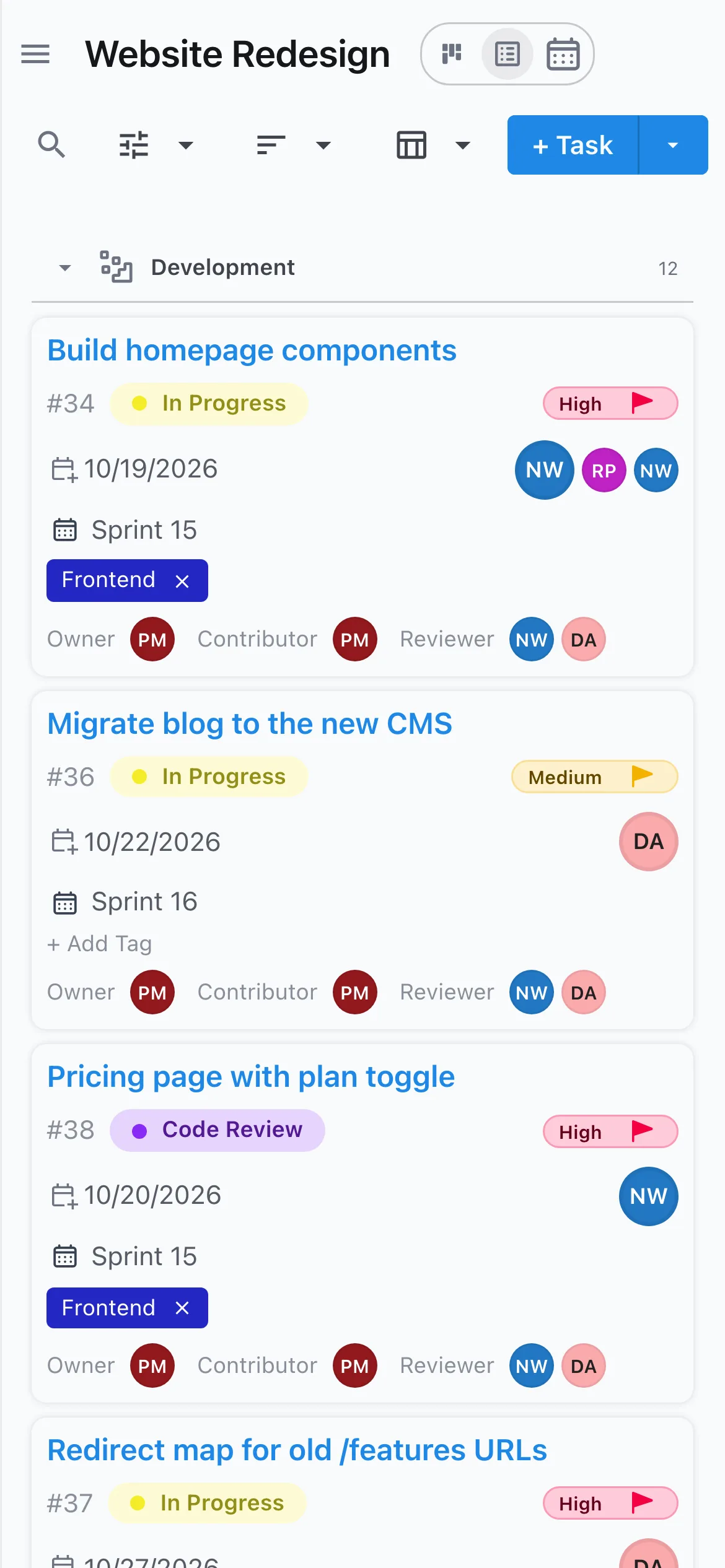
Install Slateo on your phone straight from the browser. It opens from your home screen like any other app, with screens built for a phone.
No app store needed. Works on iPhone, Android and desktop.
Is there a Slateo app for my phone?
Last updated:
Yes. Slateo is an installable web app: open it in your phone's browser, add it to your home screen, and it runs full screen with its own icon, just like an app from a store. There's nothing to download from the App Store or Google Play, and it updates itself.
On the go
Keep work moving from anywhere
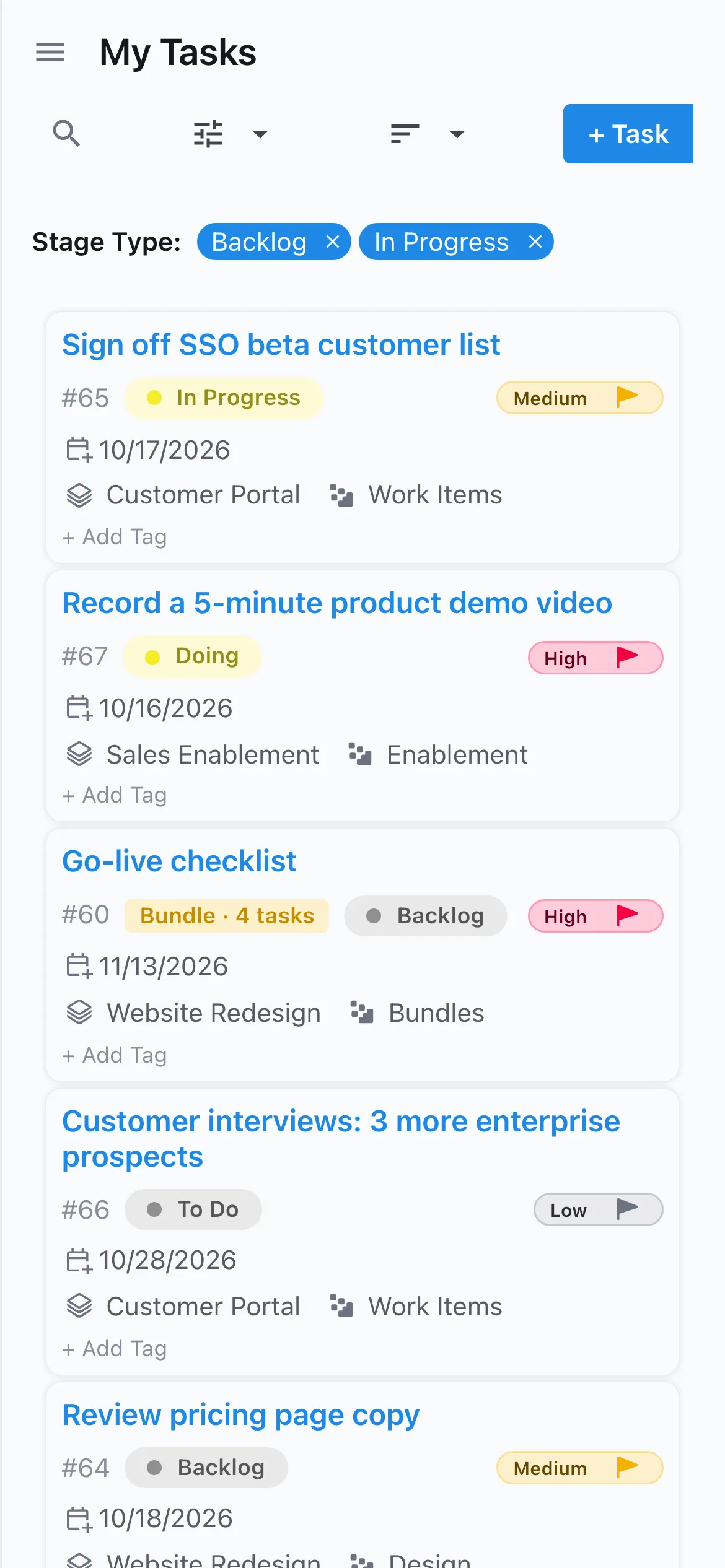
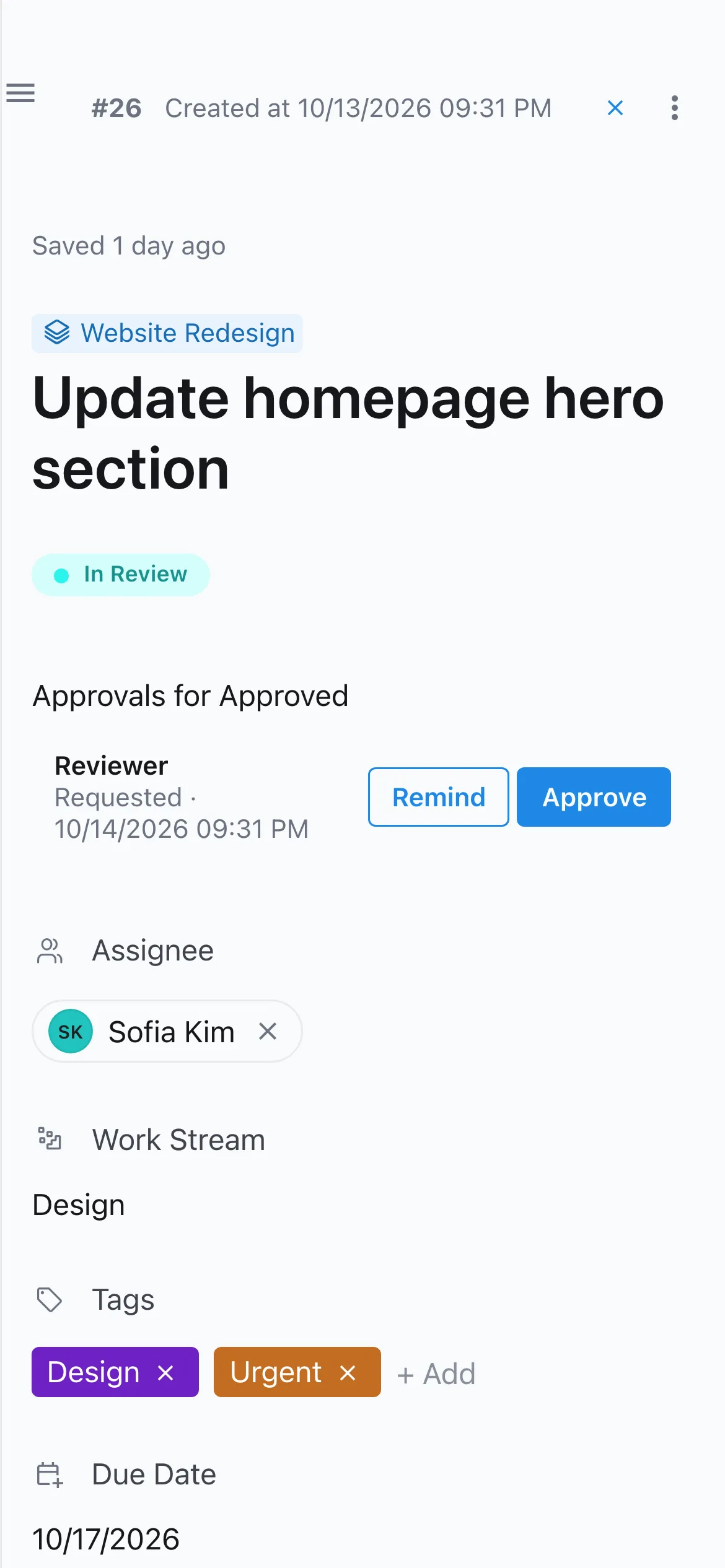
Check what's on your plate, add a task, move it to the next stage or approve a request while you're away from your desk. Everything stays in sync with the team on the web.
Industry apps
Built for the floor, not just the desk
PlantOps, VenueOps and Restora install the same way, with big buttons for the jobs done on site. They keep working when the signal drops: entries like purchase requests, deliveries and stock usage are saved on the phone and sent when you're back online.
See the industry solutions →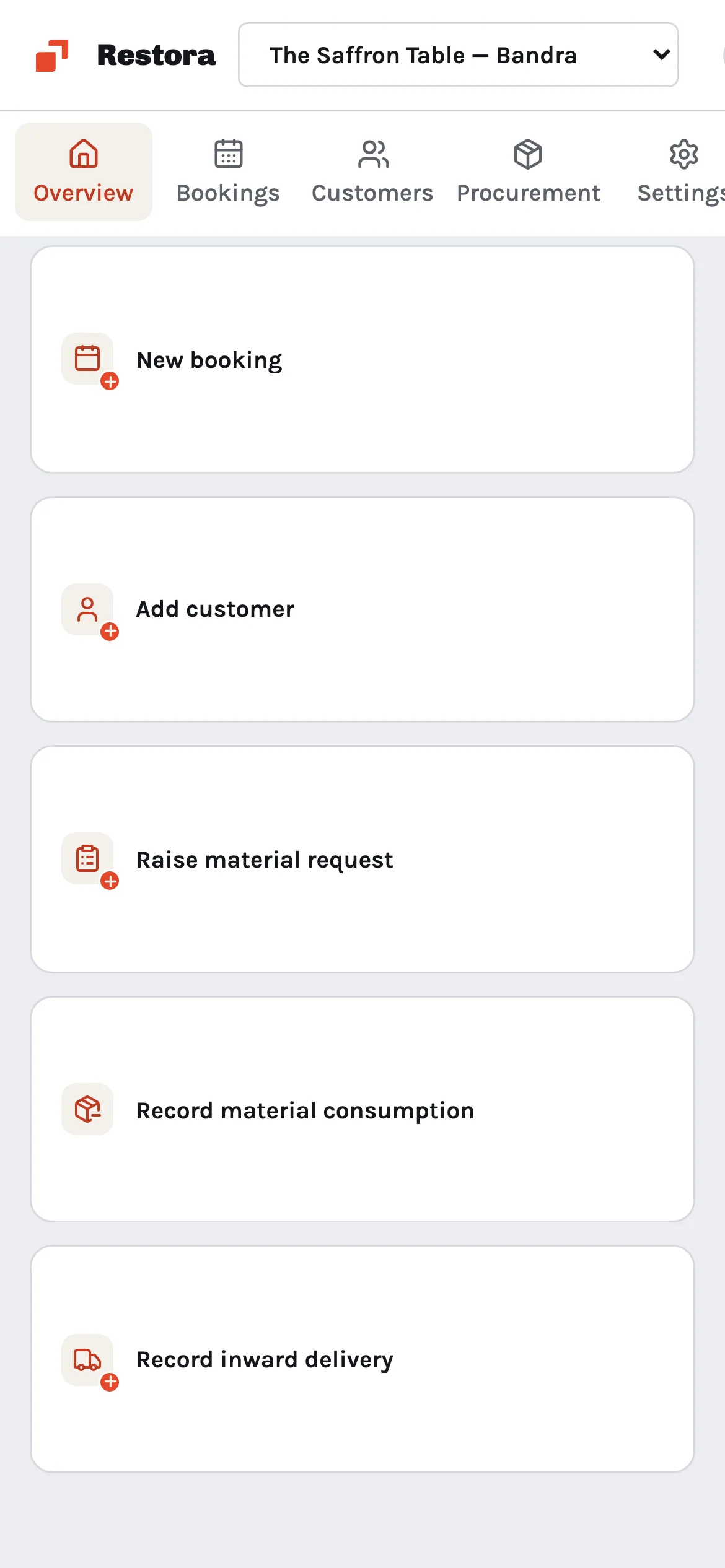
Also on mobile
Install in a few taps
Tap Install app after signing in. On iPhone: Share, then Add to Home Screen.
Your inbox
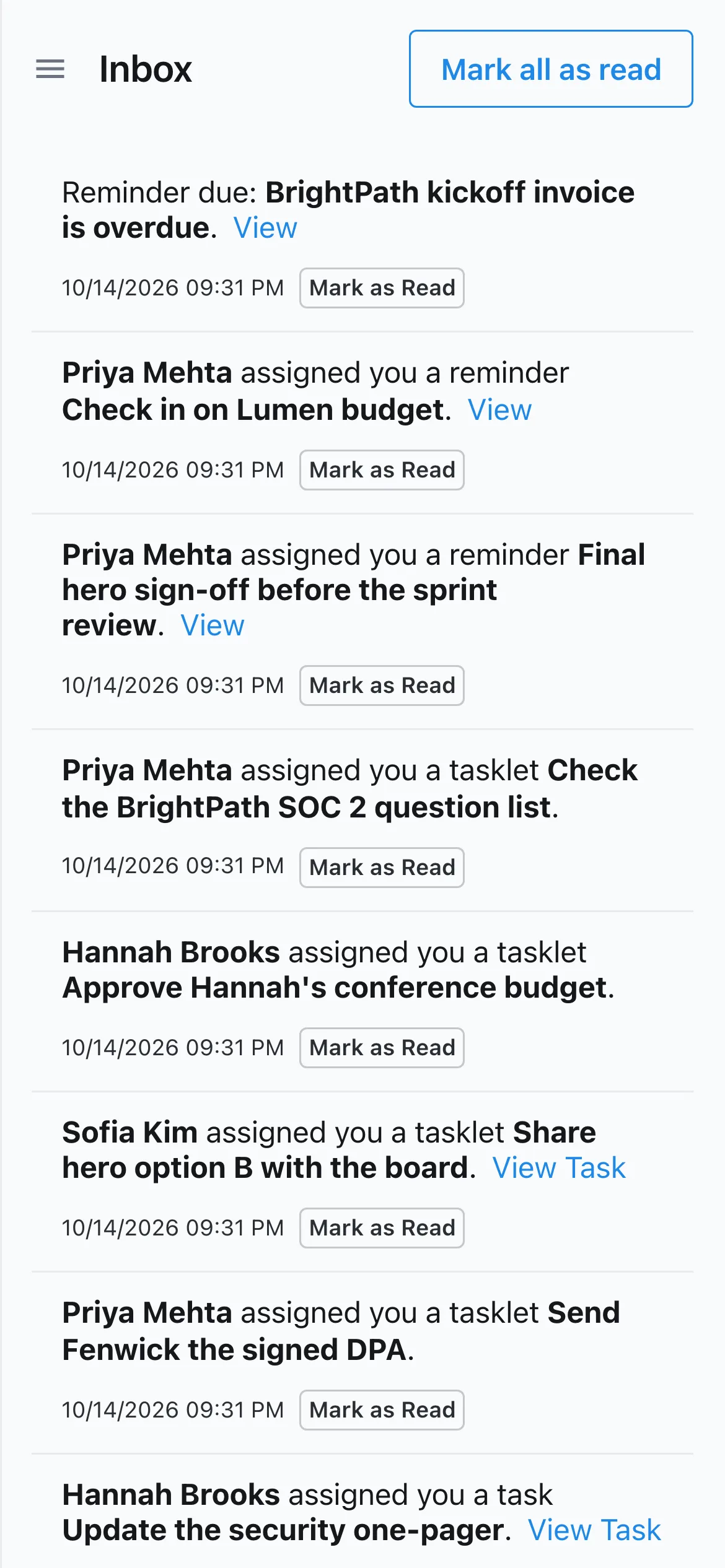
Assignments, reminders and approval requests, ready to read on the move.
Always up to date
The installed app updates itself whenever Slateo ships something new. Install it on your computer the same way.
Same account everywhere
Your projects, tasks and permissions are the same on phone, tablet and desktop.
Included on every plan
The installable app is on every plan, including Free. There's nothing extra to buy or download.
Questions
Is Slateo in the App Store or Google Play?
Not at the moment. You install Slateo from your phone's browser instead, and it works like a store app: its own icon, full screen, and automatic updates.
How do I install it on an iPhone?
Open Slateo in Safari and sign in, tap the Share icon, then choose Add to Home Screen. Slateo's Install app button shows the same steps.
Does the main app work offline?
Slateo needs an internet connection to load and save your work. The industry apps (PlantOps, VenueOps and Restora) can save entries without a signal and send them when you're back online.
Will I get notifications on my phone?
Everything that needs your attention lands in your Slateo inbox, and you can get emails for the events you choose in your notification settings.
Take your work with you.
Sign up, then install Slateo on your phone in a few taps. No credit card required.