
Team management
Control exactly who sees and does what
Invite your team, build roles that match how you actually work, and give contractors and guests access to only the projects they need.
Free for up to 3 users. No credit card required.
What is team management in Slateo?
Last updated:
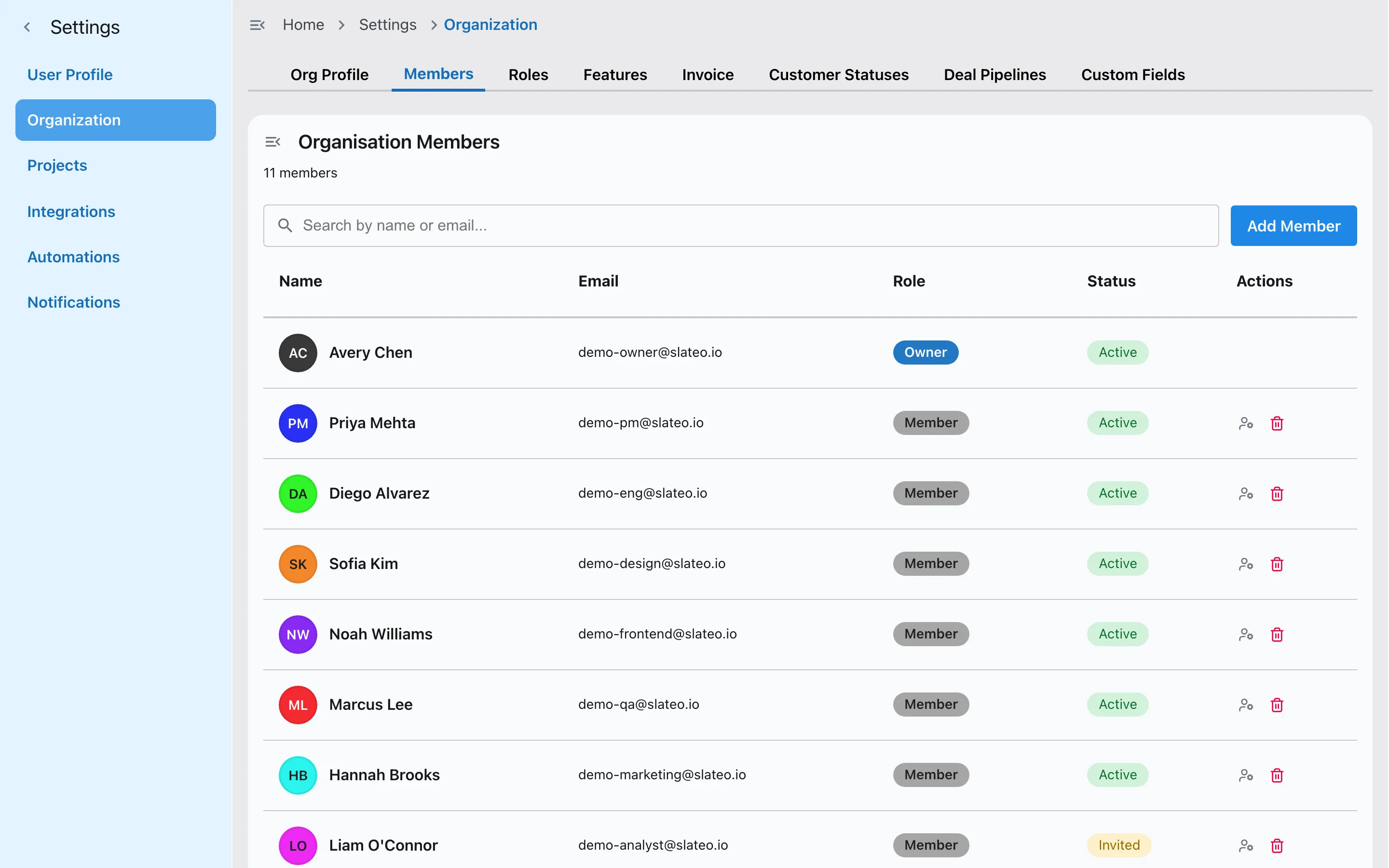
Team management is where you decide who's in your Slateo workspace and what they can do. You invite people by email, give each one a role, and limit access project by project. Your own roles can be internal, for your team, or external, for contractors and clients who should only see the projects they're added to.
Roles
Build custom roles instead of settling for generic ones
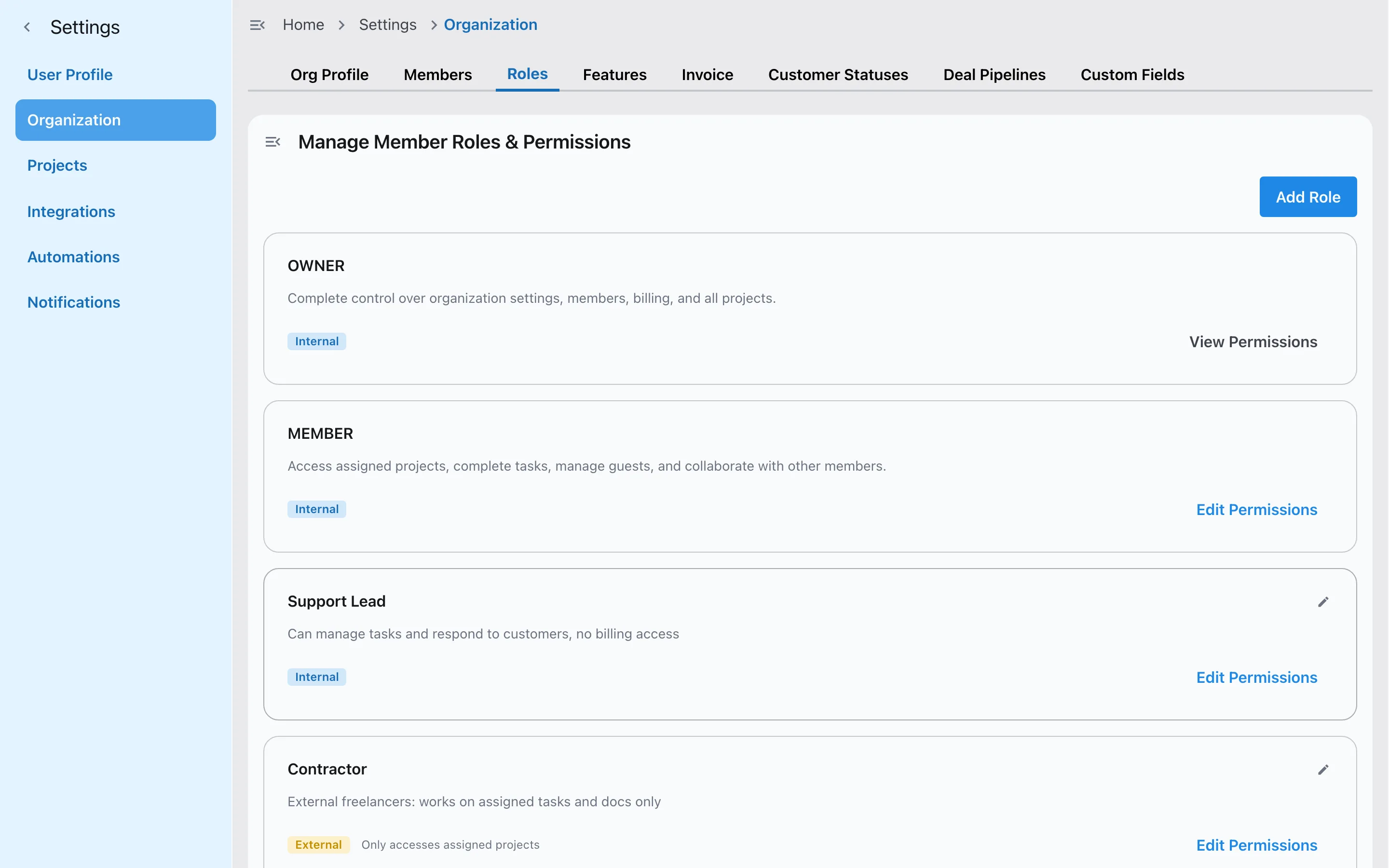
Create roles like Support Lead or Contractor and tick exactly the permissions each one needs, grouped by area. Mark a role as internal for your team or external for people outside it.
Project access
Give people access to exactly the projects they need
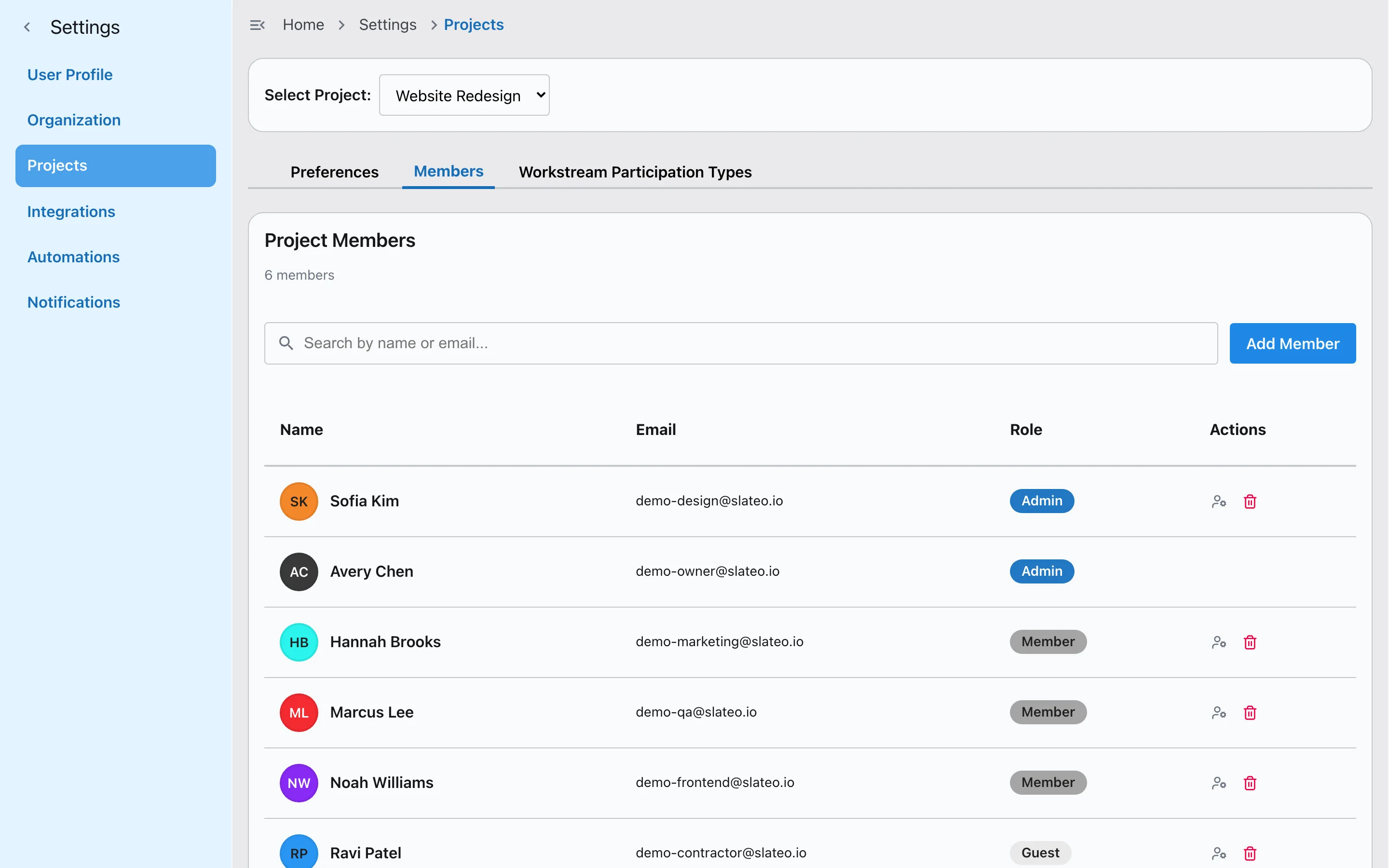
Keep a project open to the whole workspace or limit it to its members. Add each person as an Admin, a Member or a Guest. Guests can view the project's tasks and comment, nothing more.
Organizations
Start solo, grow into a team
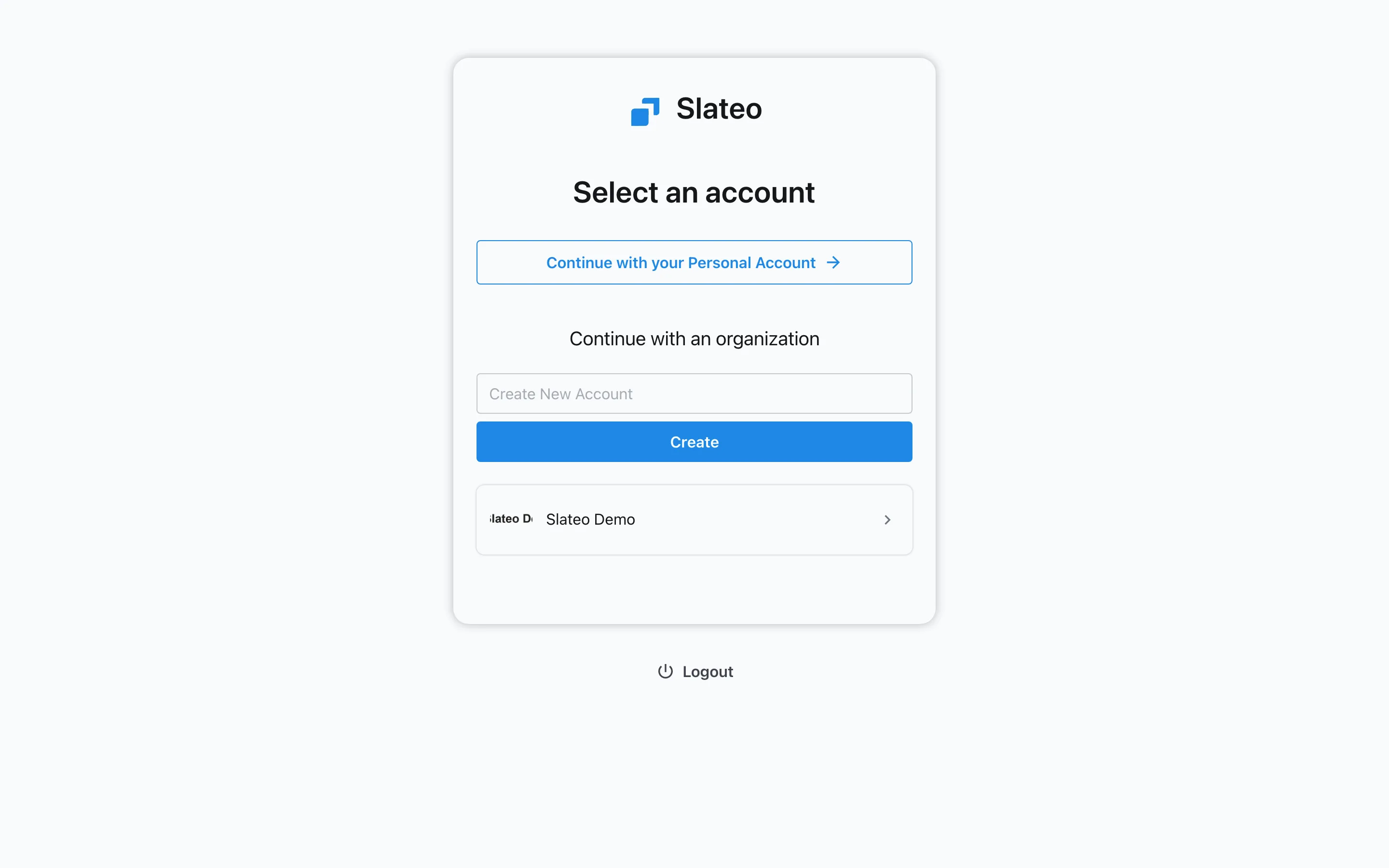
Begin in a personal workspace. When you bring others in, turn it into an organization, or create new ones. Belong to several organizations and pick the one you want when you sign in.
Also in team management
Invite by email
Add someone with their name, email, role and job title, and pick their projects in the same step.
Pending and active
See whose invite is still open, change anyone's role, or remove access the moment someone leaves.
Permissions by area
Choose what a role can do with projects, tasks, docs, deals, invoices and more.
Security
How sign-in, access and your data are protected.
Free for up to 3 users
Free includes up to 3 users. Pro, Growth and Enterprise include unlimited users, with roles and project access on every plan.
Questions
Can I give a contractor access to just one project?
Yes. Give them an external role and add them to that project. People with external roles only see the projects they've been added to.
What can a guest do?
A guest on a project can view its tasks and workstreams and read or add comments. They can't change tasks, settings or members.
Can I create my own roles?
Yes. Add a role, give it a name and description, choose internal or external, and tick the permissions it should have. You can change them later.
Can I belong to more than one organization?
Yes. One login can belong to several organizations as well as your personal workspace, and you choose which one to open.
Set up your team the way it actually works.
Invite your first teammate in minutes. No credit card required.