
API and MCP
Build on Slateo with the API and MCP
Read and update your tasks, projects, customers, deals and invoices from your own tools, or connect an AI assistant straight to your workspace. Both are on every plan.
Free for up to 3 users. No credit card required.
What are Slateo's API and MCP?
Last updated:
The API lets your own software read and change your Slateo data: create a task when a form is filled in elsewhere, sync customers with another system, or pull invoices into a report. MCP (Model Context Protocol) does the same for AI assistants, so you can ask one to look things up or make changes in Slateo for you. Both act as the person who connected them, with that person's permissions.
REST API
An API for the work your business runs on
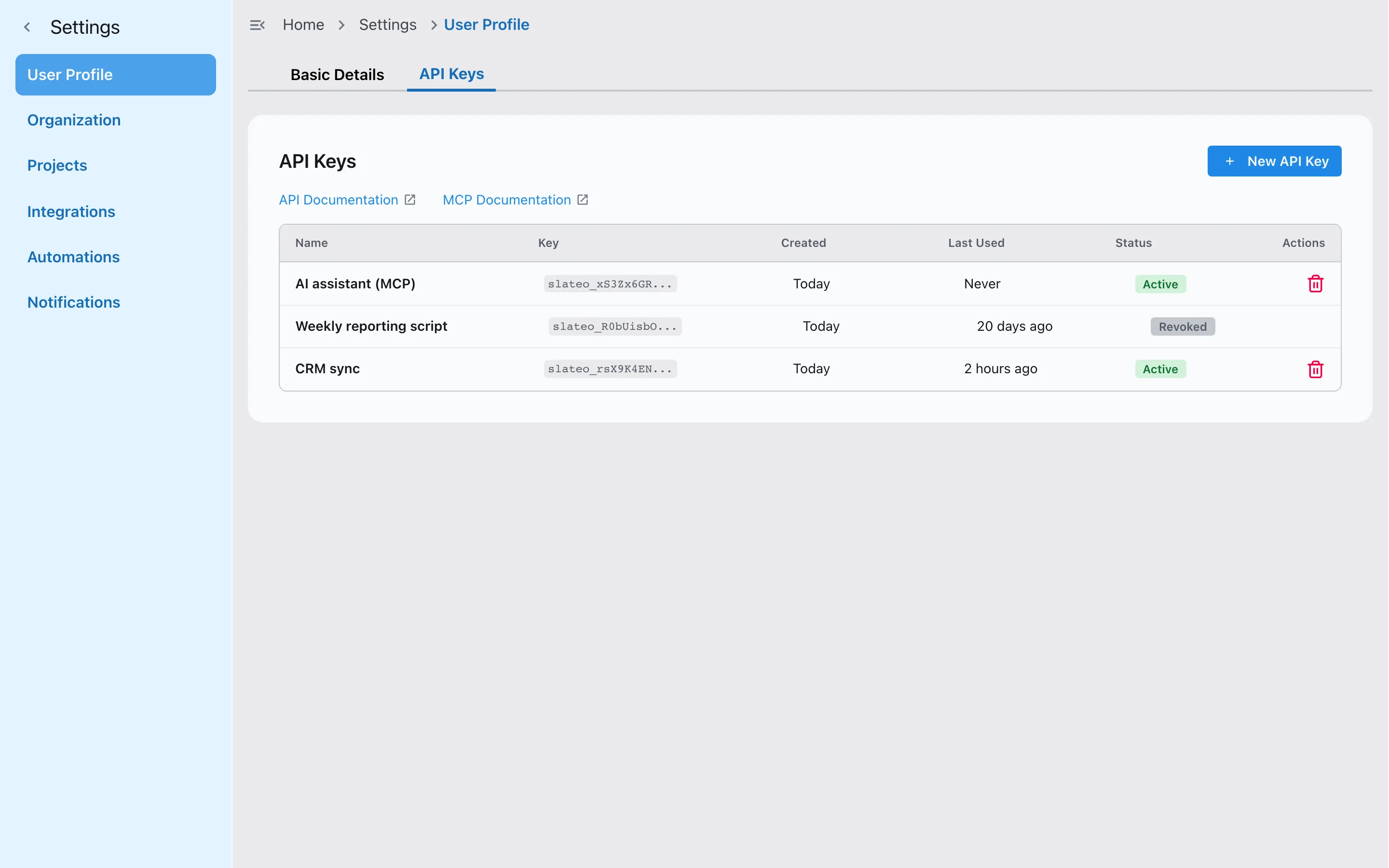
Create a key in your profile and call the API from any script, backend or internal tool. Every plan can read and write tasks, projects, customers, workstreams, deals and invoices. Paid plans open up everything else, like members and roles, workflow templates and AI suggestions.
Read the API docs →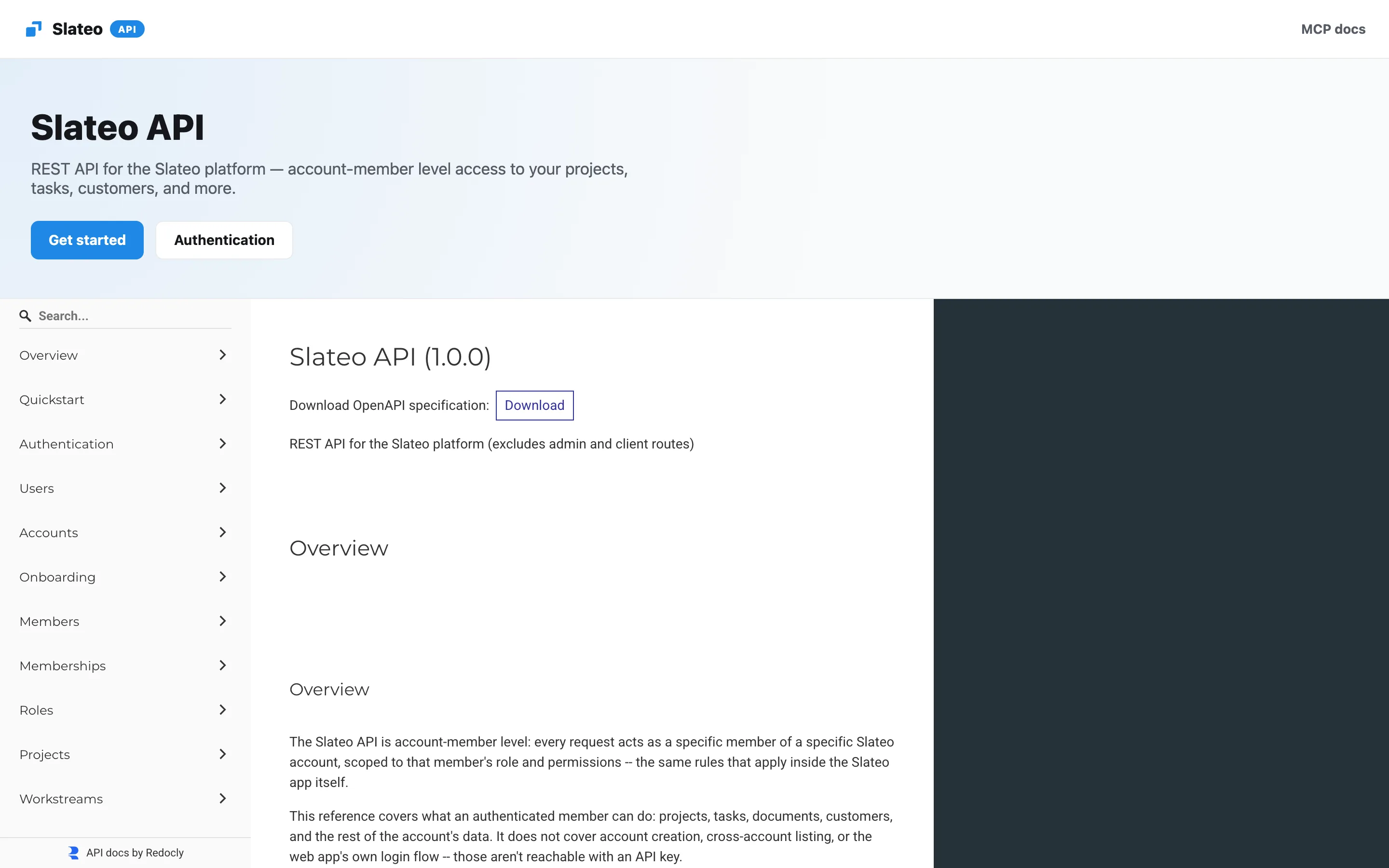
MCP
Connect an AI assistant to your workspace
Slateo runs an MCP server, so any AI assistant that supports MCP can connect to your account. Sign in once, and the assistant can list, create, update and look up your records without you copying data back and forth.
Read the MCP docs →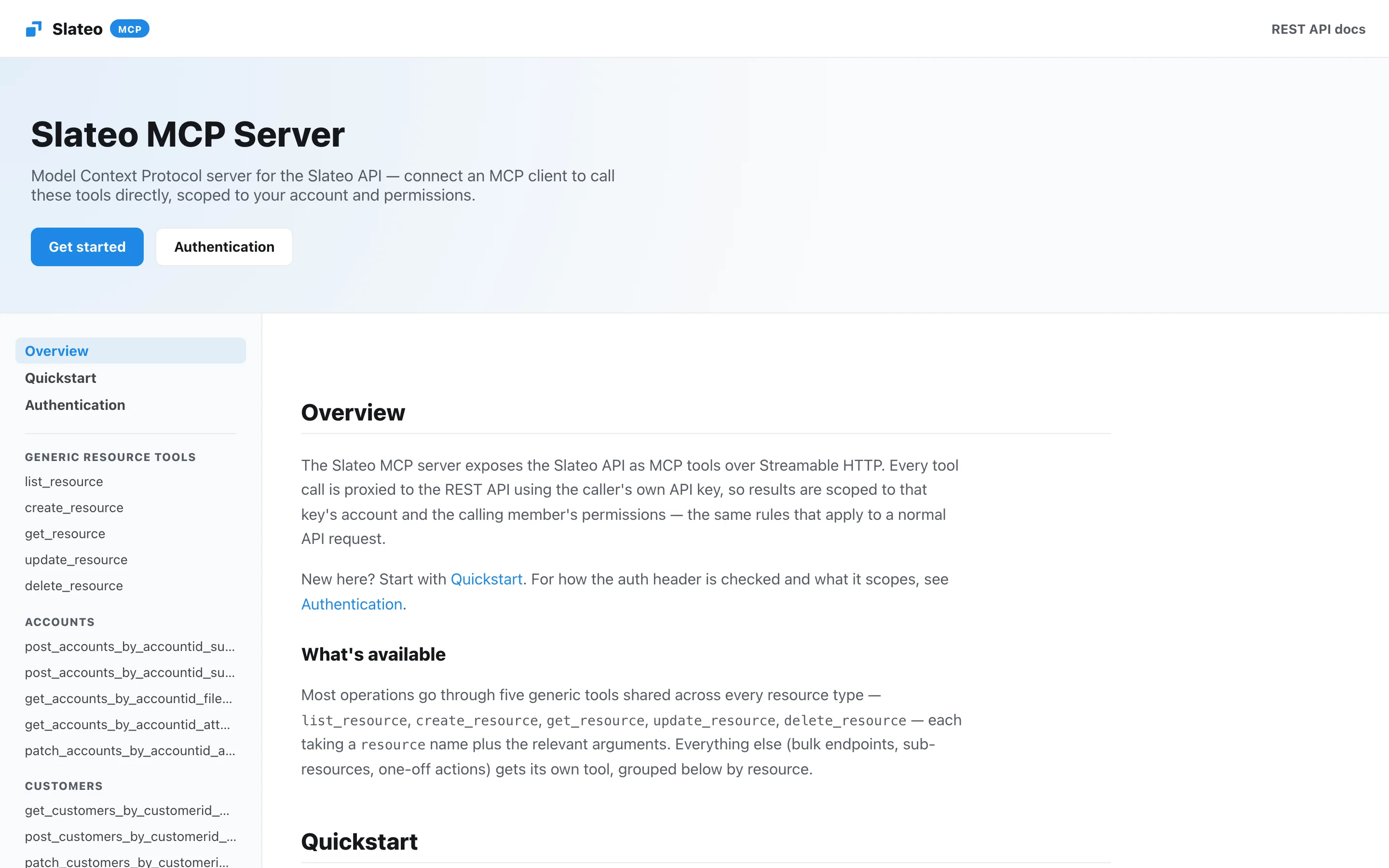
In practice
Ask for what you need in plain language
Ask your assistant for this week's overdue tasks, to log a call on a customer, or to create the tasks from a meeting. It works through MCP with exactly the access you have in Slateo, nothing more.
- Send the updated sitemap to the client
- Book the content review for Thursday
- Share staging access with the client's IT team
API and MCP limits by plan
| Limit | Free | Pro | Growth | Enterprise |
|---|---|---|---|---|
| API | ||||
| API keys | 1 per member | Unlimited | Unlimited | Unlimited |
| API requests | 500 / month | Unlimited | Unlimited | Unlimited |
| Burst limit | 60 / minute | 300 / minute | 300 / minute | 300 / minute |
| API access | Basic | Full | Full | Full |
| MCP | ||||
| MCP access | Included | Included | Included | Included |
| MCP operations | 500 / month | Unlimited | Unlimited | Unlimited |
Also in the API and MCP
Your permissions, nothing more
Every call acts as the person who created the key, with the same access they have in the app.
OpenAPI specification
Download the full API description to generate a client or import it into your tools.
Keys you control
Name each key, see when it was last used, and revoke it the moment it's no longer needed.
Same data as the app
Changes made through the API or MCP show up in Slateo straight away, for the whole team.
API and MCP on every plan
Free includes 500 API requests and 500 MCP operations a month with Basic API access. Pro, Growth and Enterprise remove the monthly caps and open the full API.
Questions
What's the difference between Basic and Full API access?
Basic, on the Free plan, covers tasks, projects, customers, workstreams, deals and invoices. Full, on paid plans, adds everything else, such as members and roles, workflow templates and AI suggestions.
Which AI assistants can connect over MCP?
Any AI assistant that supports MCP (Model Context Protocol) and connecting to a remote MCP server. The MCP docs list the server address and the tools it offers.
Can an API key see more than its owner can?
No. A key acts as the person who created it, with exactly their role and project access. If their access changes, so does the key's.
What happens if I reach the Free plan's limit?
Requests are paused until the next month and the response says the monthly limit was reached. Upgrading to a paid plan removes the monthly caps.
Start building on Slateo.
Create an API key or connect an AI assistant in minutes. No credit card required.