
Account security
Last updated:
Keep your workspace in the right hands: how people sign in, what they can see, and what's connected.
Step 1: Sign in with email or Google
On the sign-in page, enter your Email and Password, or choose Sign in with Google to use your Google account instead of another password.
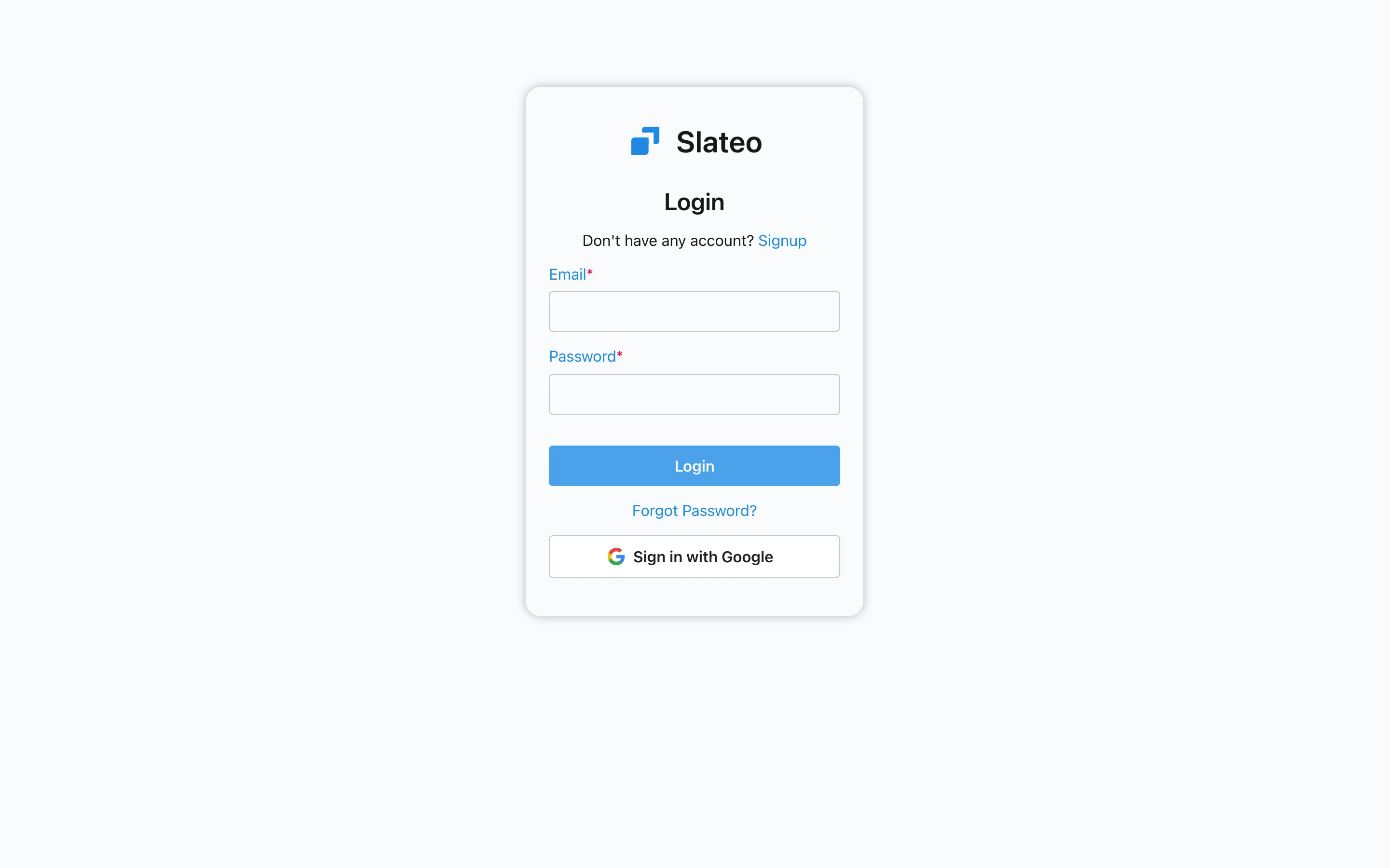
The sign-in page. Step 2: Reset a forgotten password
Choose Forgot Password? on the sign-in page and enter your email. The link we send works once and expires after 30 minutes. Slateo gives the same reply whether or not the email has an account.
Step 3: Decide what each role can do
Go to Settings → Organization → Roles and choose Add Role. Tick the Permissions the role needs, and set its Type: Internal for your team, or External for contractors and clients, who only see the projects they're added to.
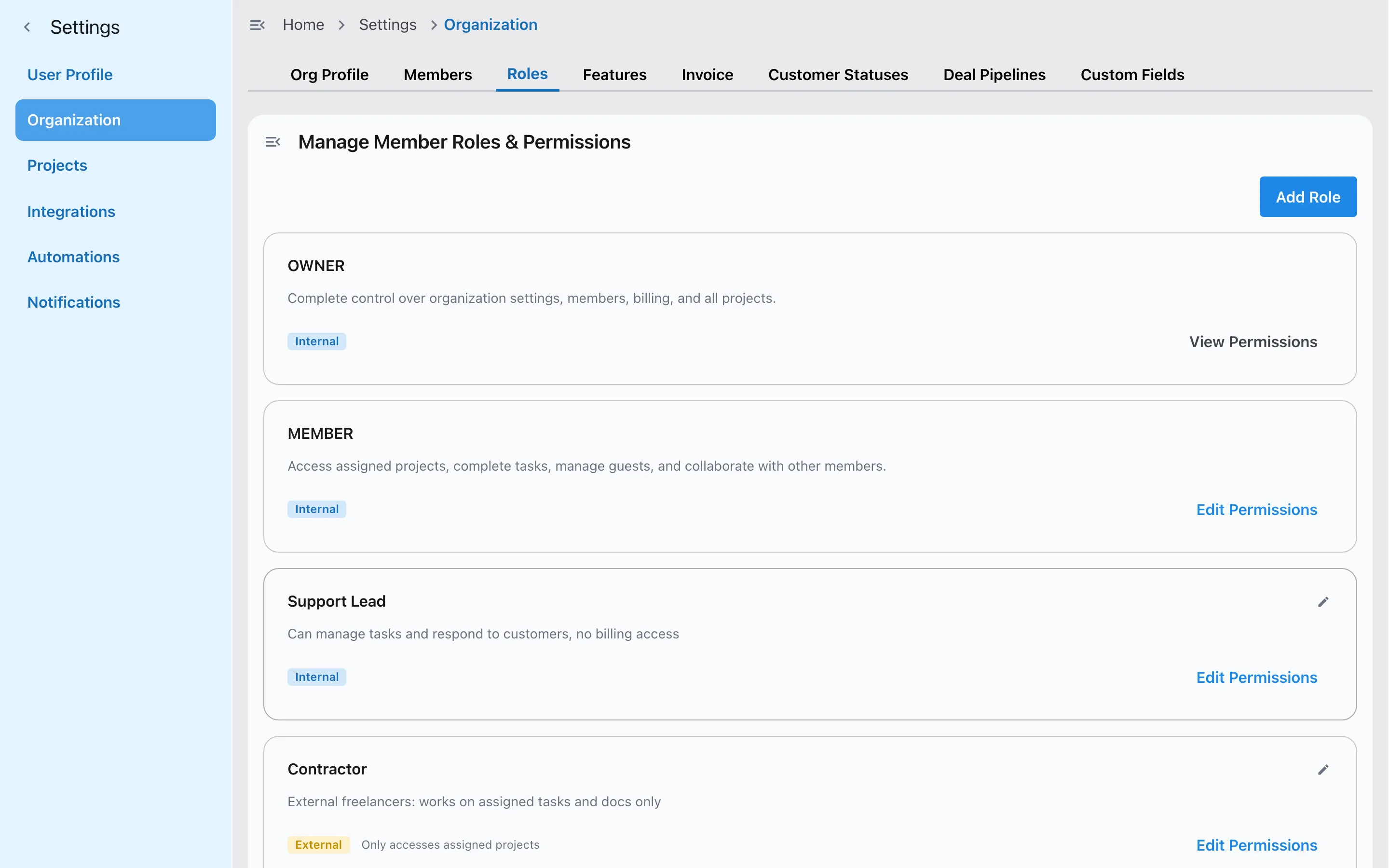
Custom roles, internal and external. Step 4: Limit a project to its members
In Settings → Projects, select a project and set its Visibility to Members Only. Then add the people who need it under Project Members and choose each one's role.
See Invite your team and set up roles for more on members.
Step 5: Review keys and connections
In Settings → User Profile → API Keys, check when each key was last used and revoke any you don't need. Keys act with your permissions, can't create other keys, and AI assistants only connect after you approve them.
Was this guide helpful?